

Lightroom Fuji X-Pro1 Issue
Posted on: Wed July 18, 2012
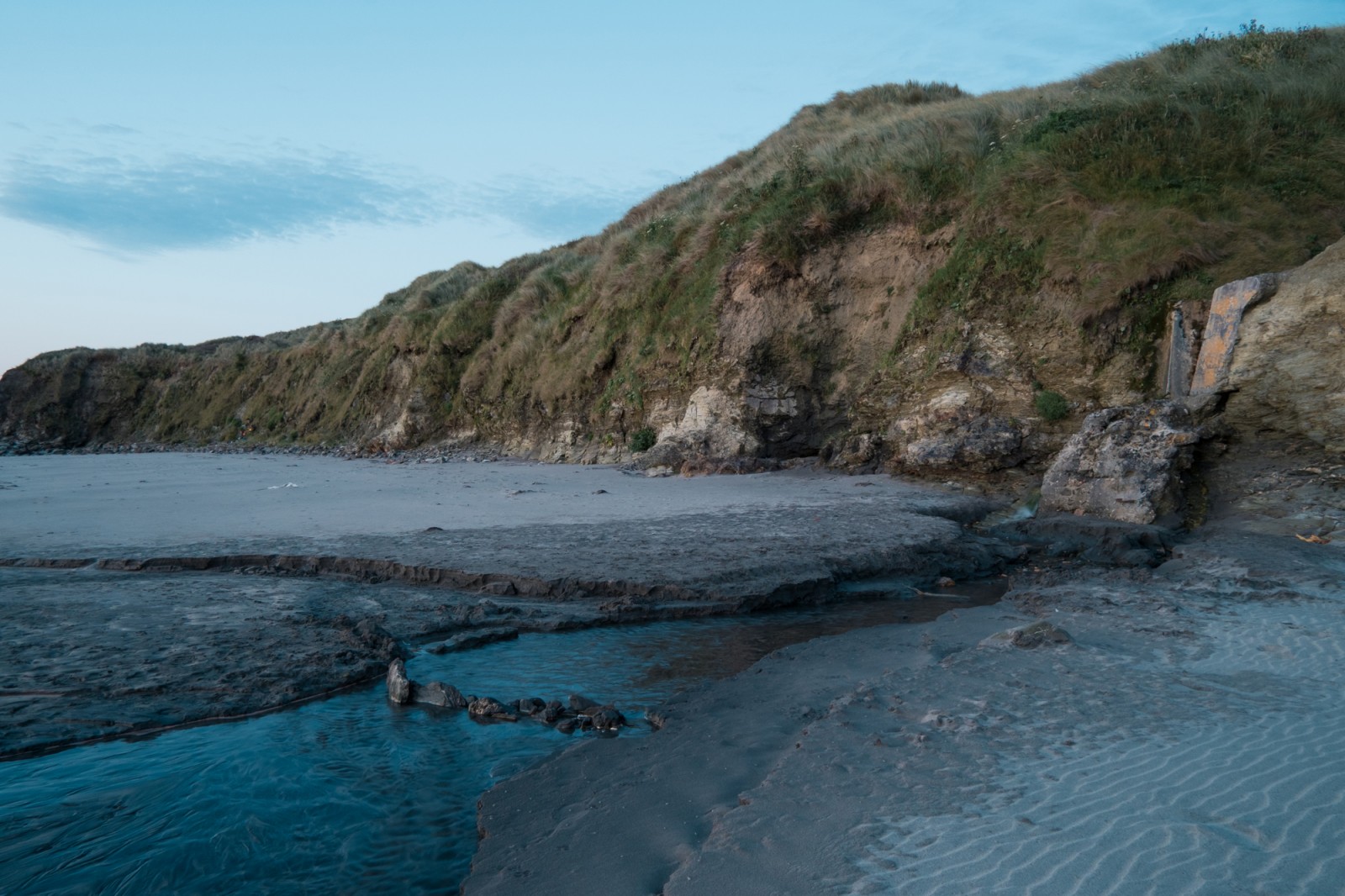


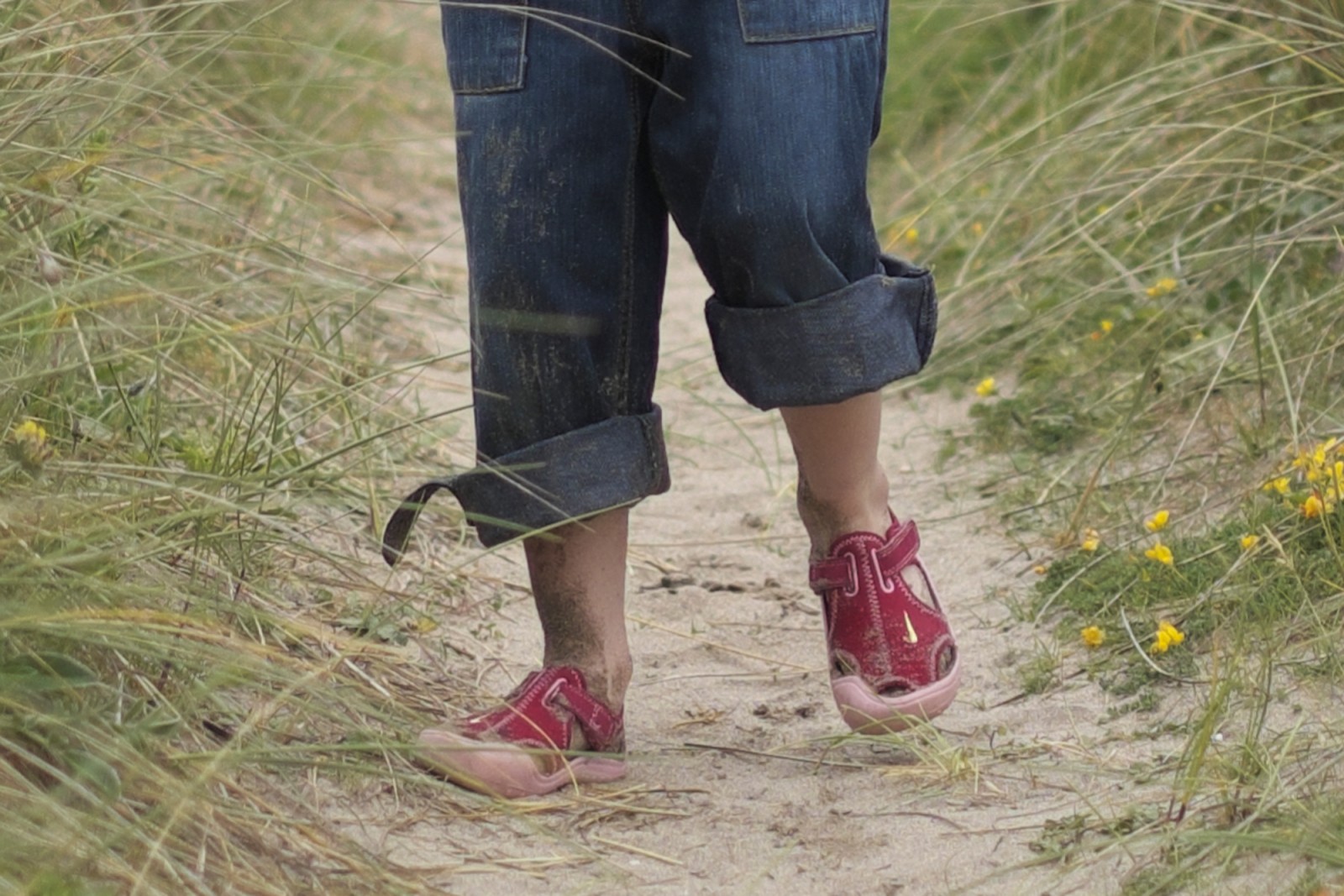
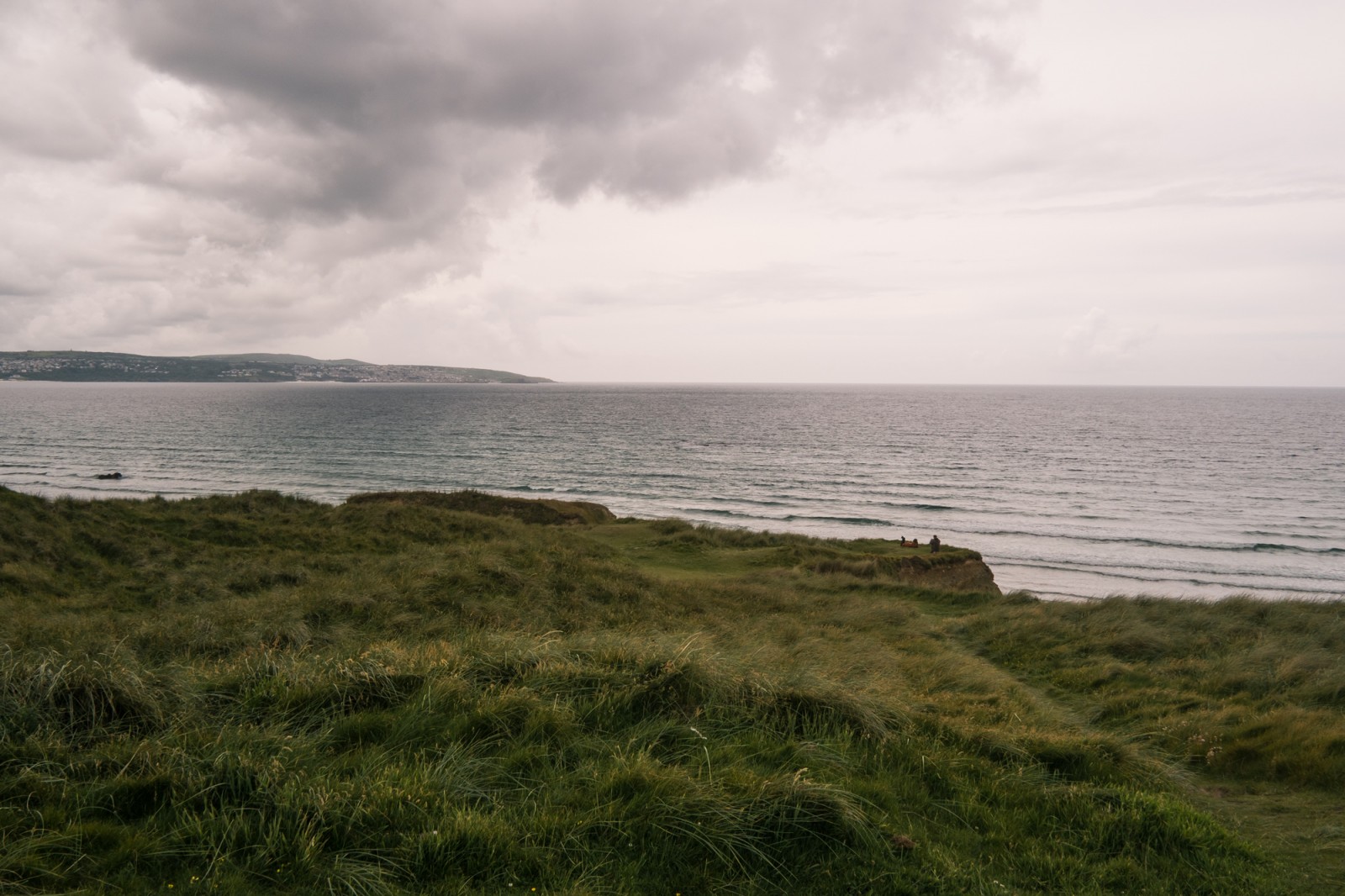

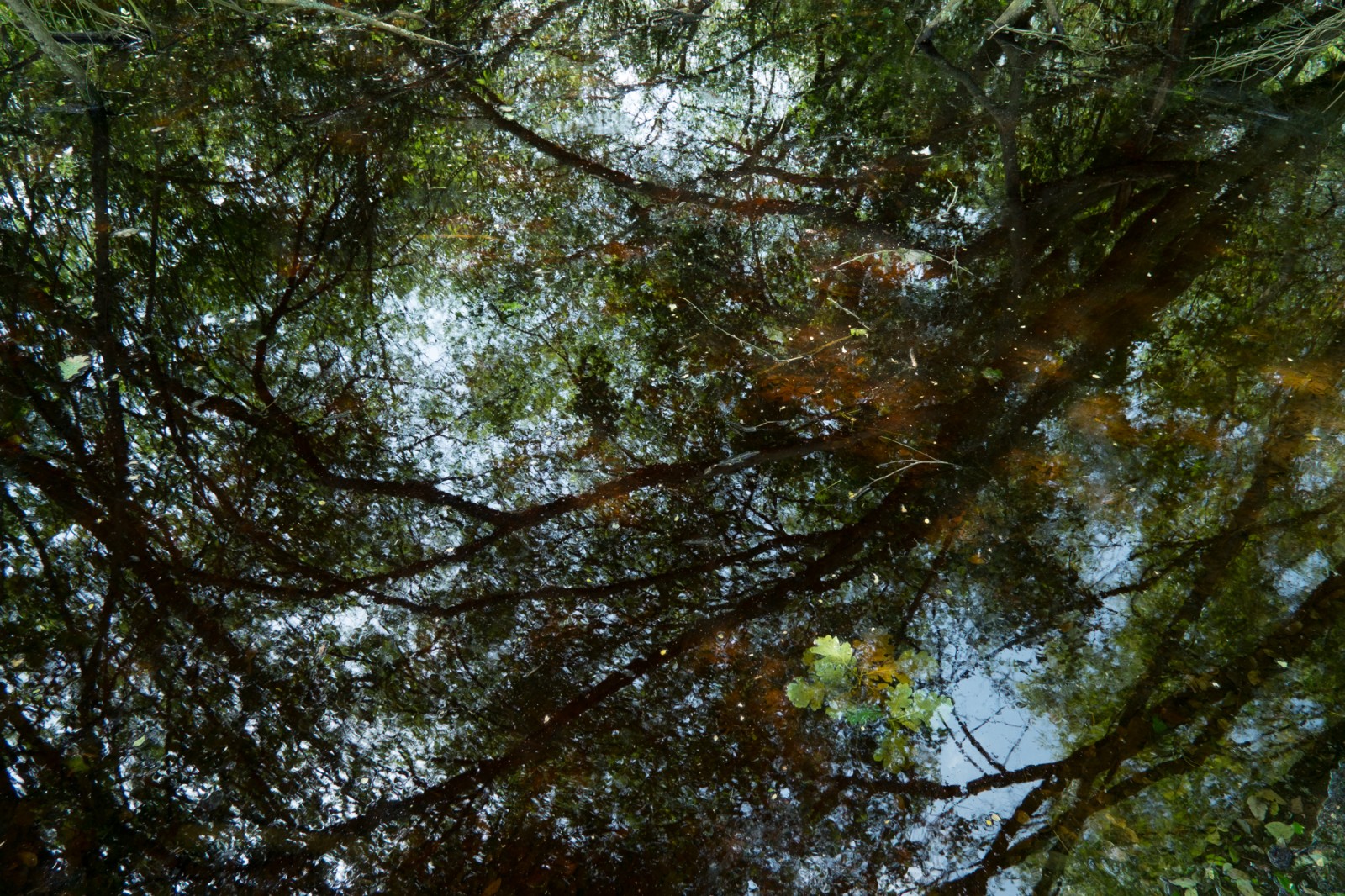
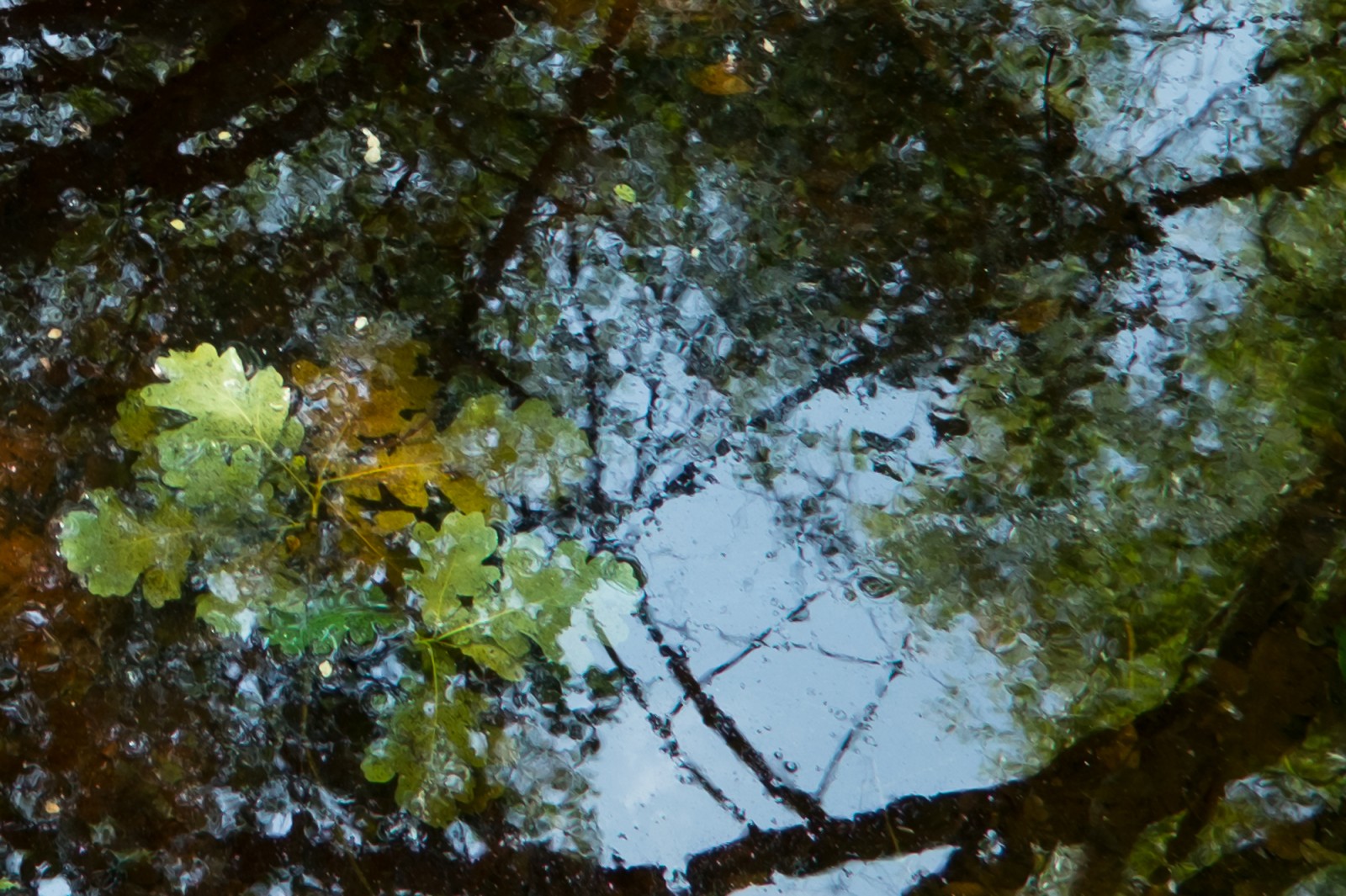


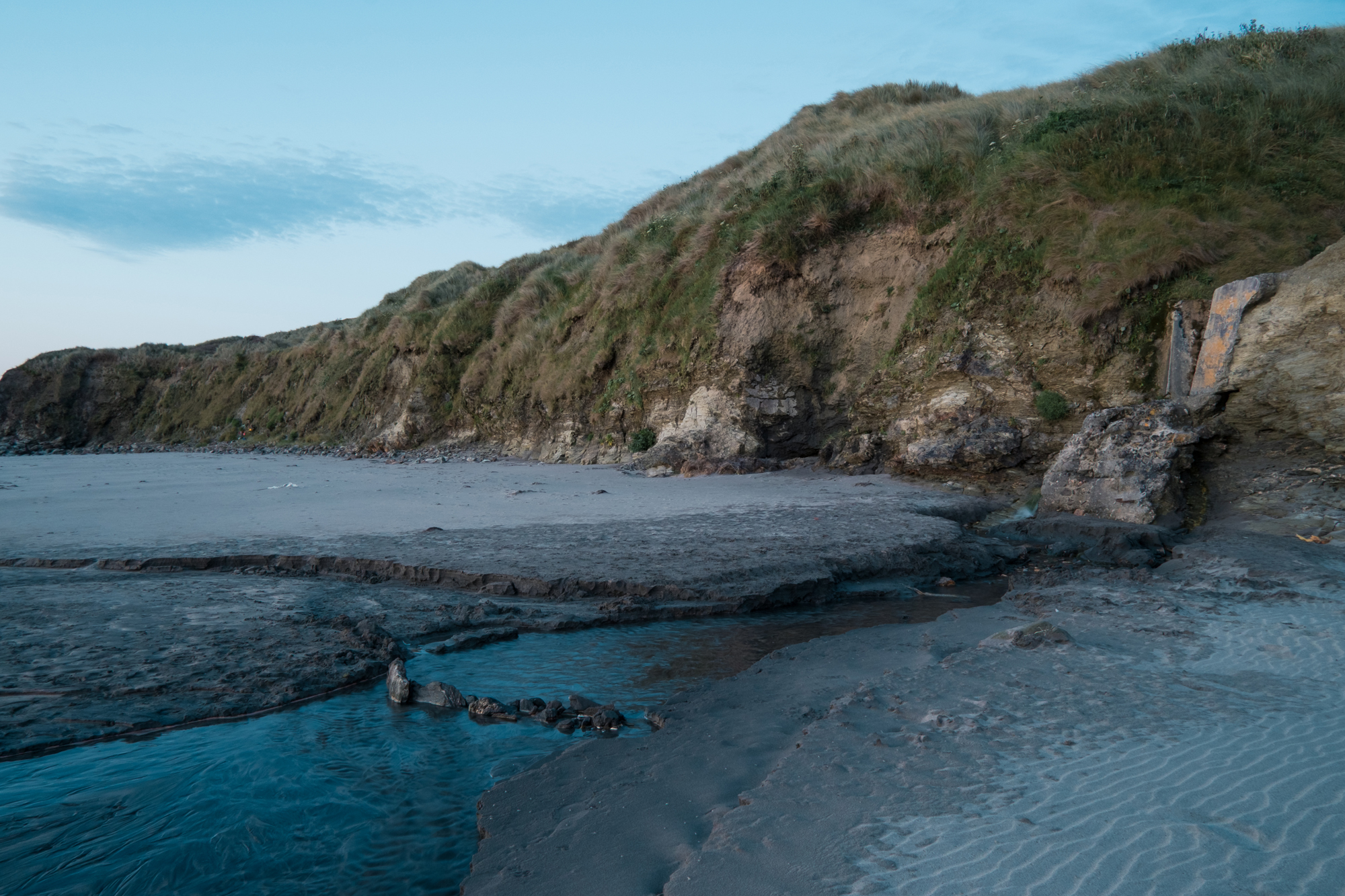

I have had my Fuji X-Pro1 now since April 2012. Immediately I was blown away by the detail this thing could record, this was a big deal for me and I had heard really good things about the new sensor that is on the X-Pro1 and when I started shooting and seeing the results I wasn’t disappointed. Of course there was no Adobe Lightroom support for the camera at this stage and this was a big annoyance for me as I have used Lightroom for a long time and I am bing champion of it. But I processed the Raw files with SilkyPix (Fuji Software) and the results were good – it was hard to work with though, to get the colours right wasn’t easy. Plus I was convinced that there was more dynamic range to come from those Raw files than what I could achieve in the Fuji software.
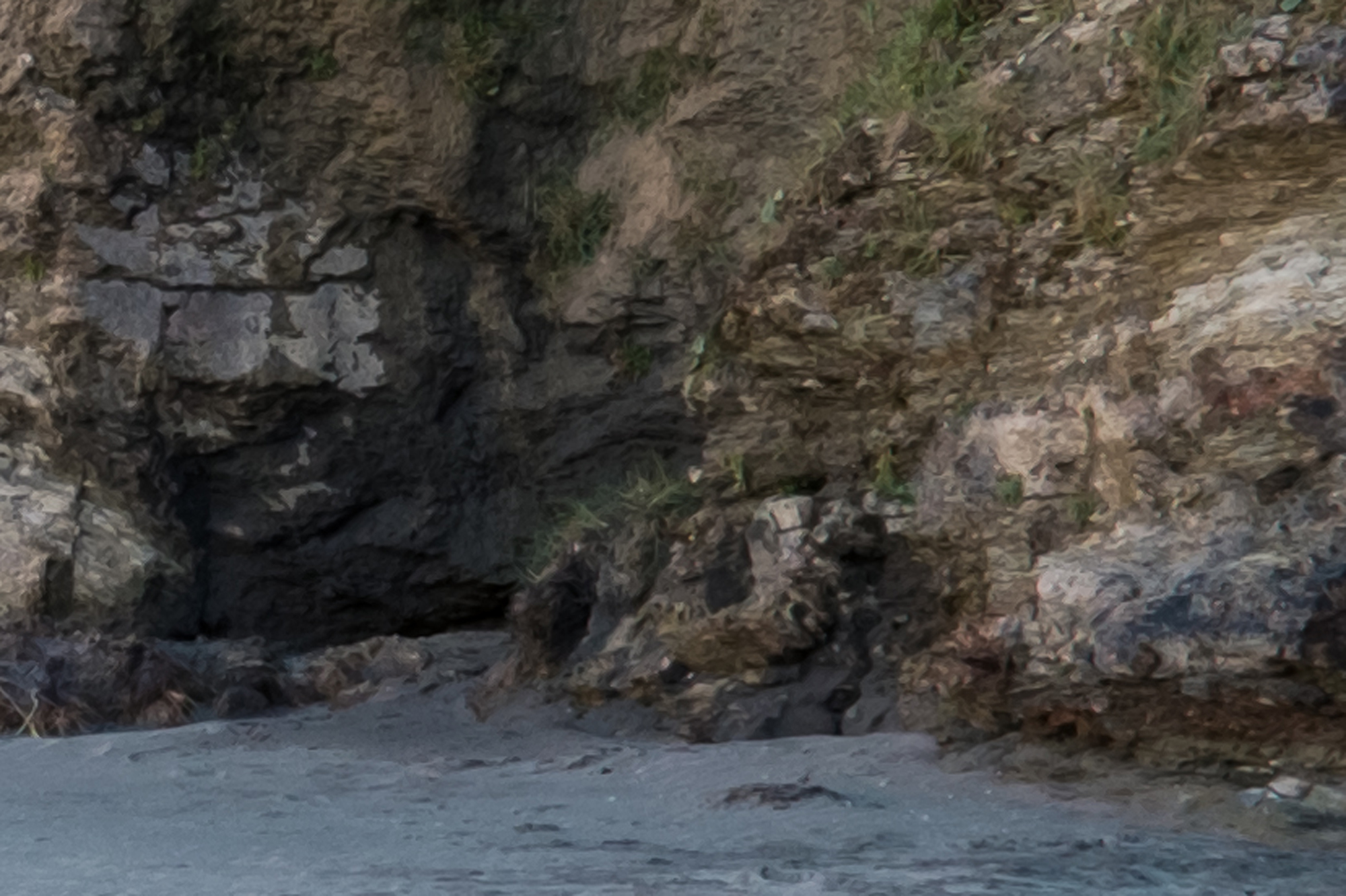
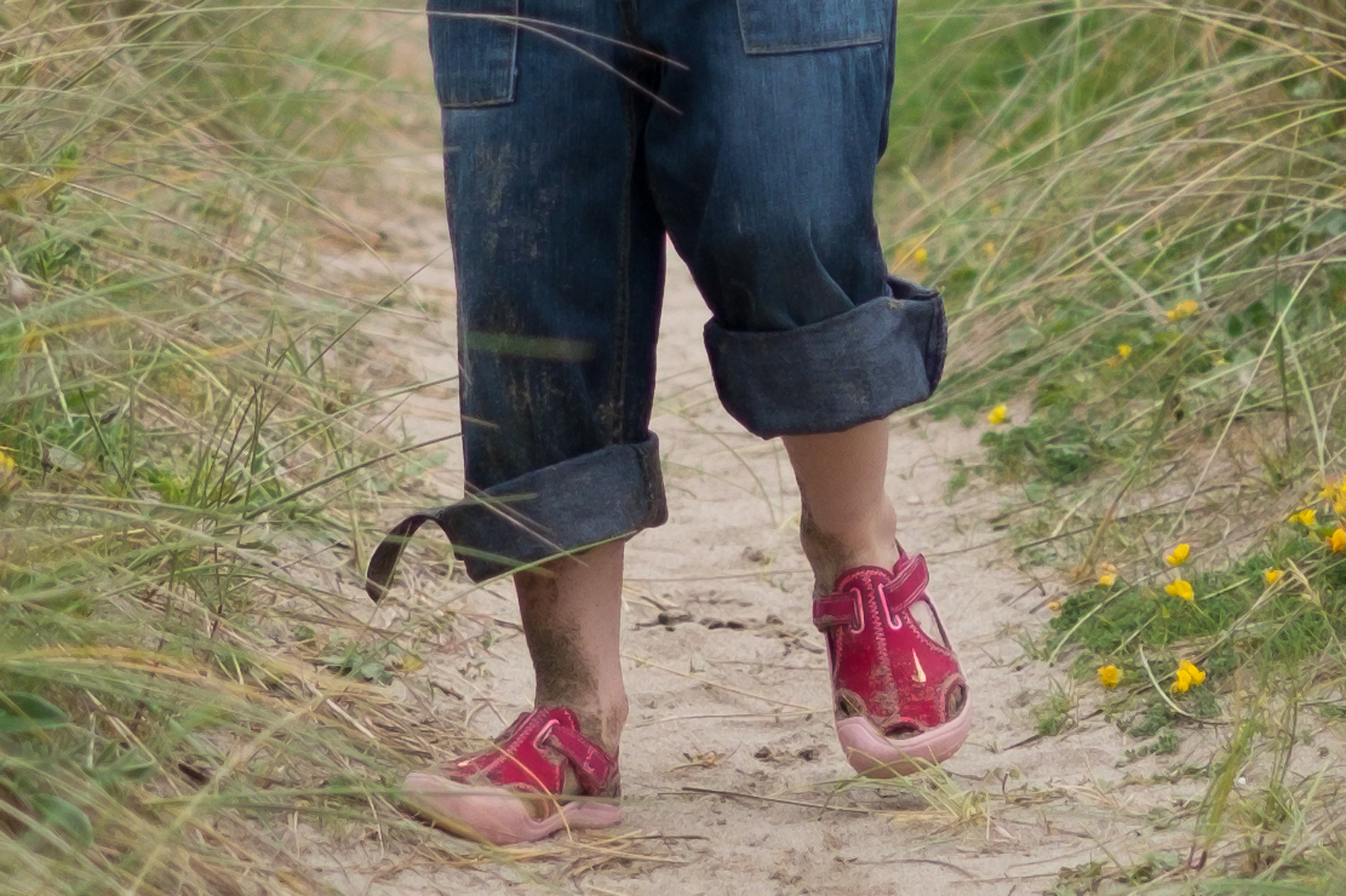
So then comes support from Adobe in the form of Lightroom 4.1. My prayers were answered, but not quite! Right from processing my first images it was obvious that there was a problem, some sort of painterly effect was taking place. Upon reading up, it seems I am certainly not the only person experiencing this problem which I believe is referred to as Chroma Blurring!? Anyway, at low-res for putting on Flickr or something, the images seem fine, but hires the detail is strange and blurry, like an oil painting.
My worry is that a lot of people seem to think it’s down to bad processing or incorrect setting that the users has made within Lightroom. This simply isn’t true.
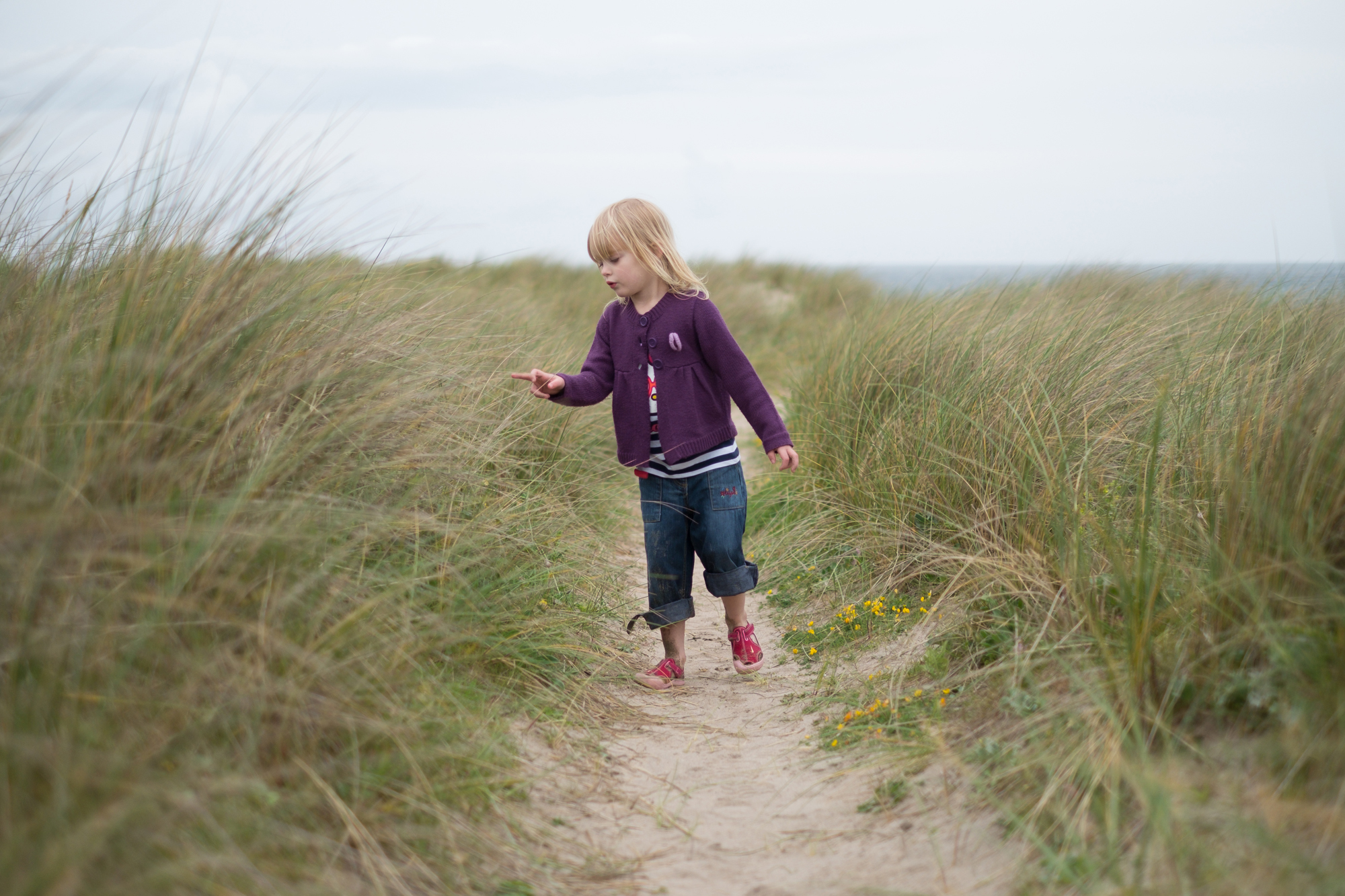
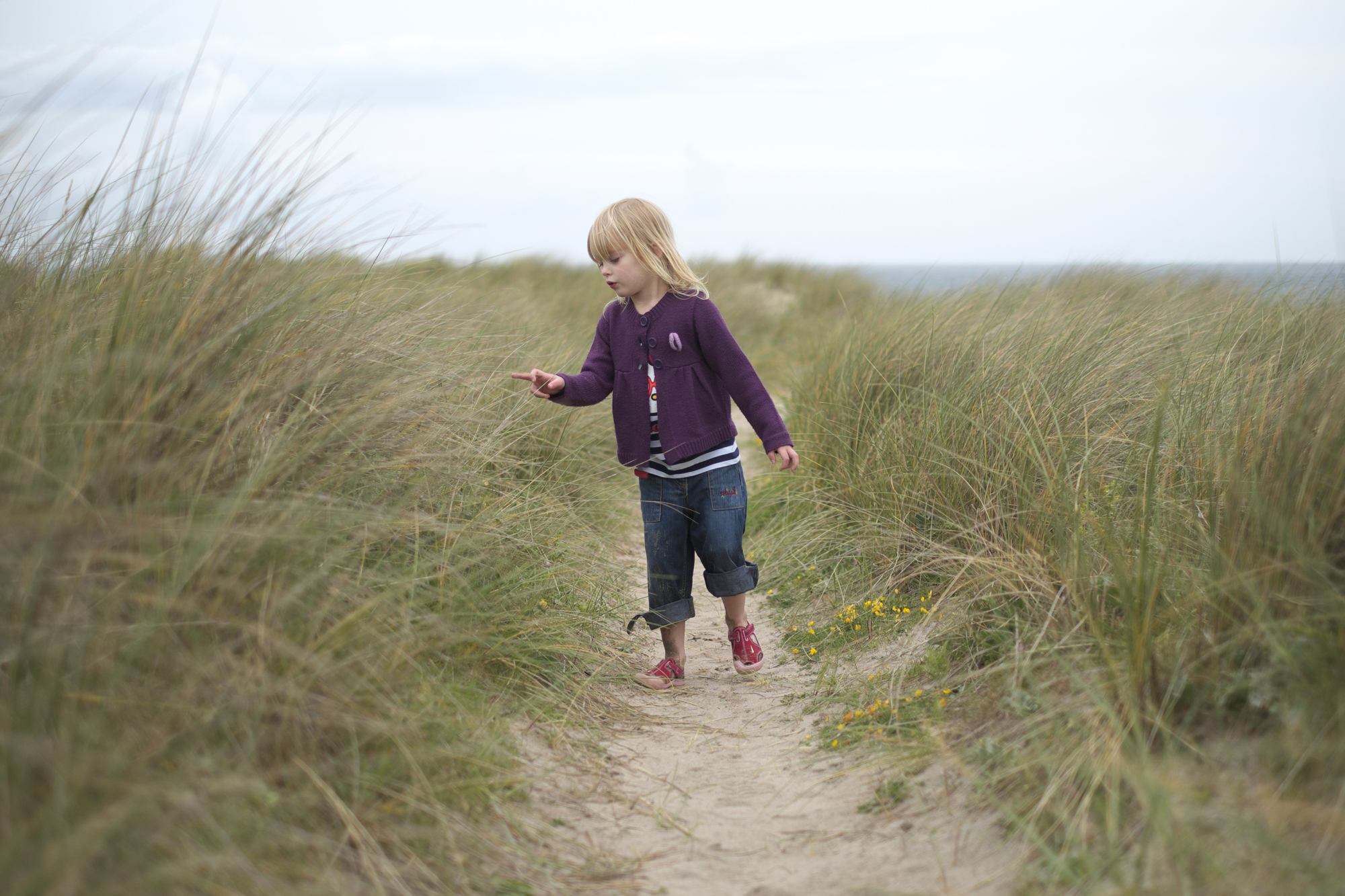
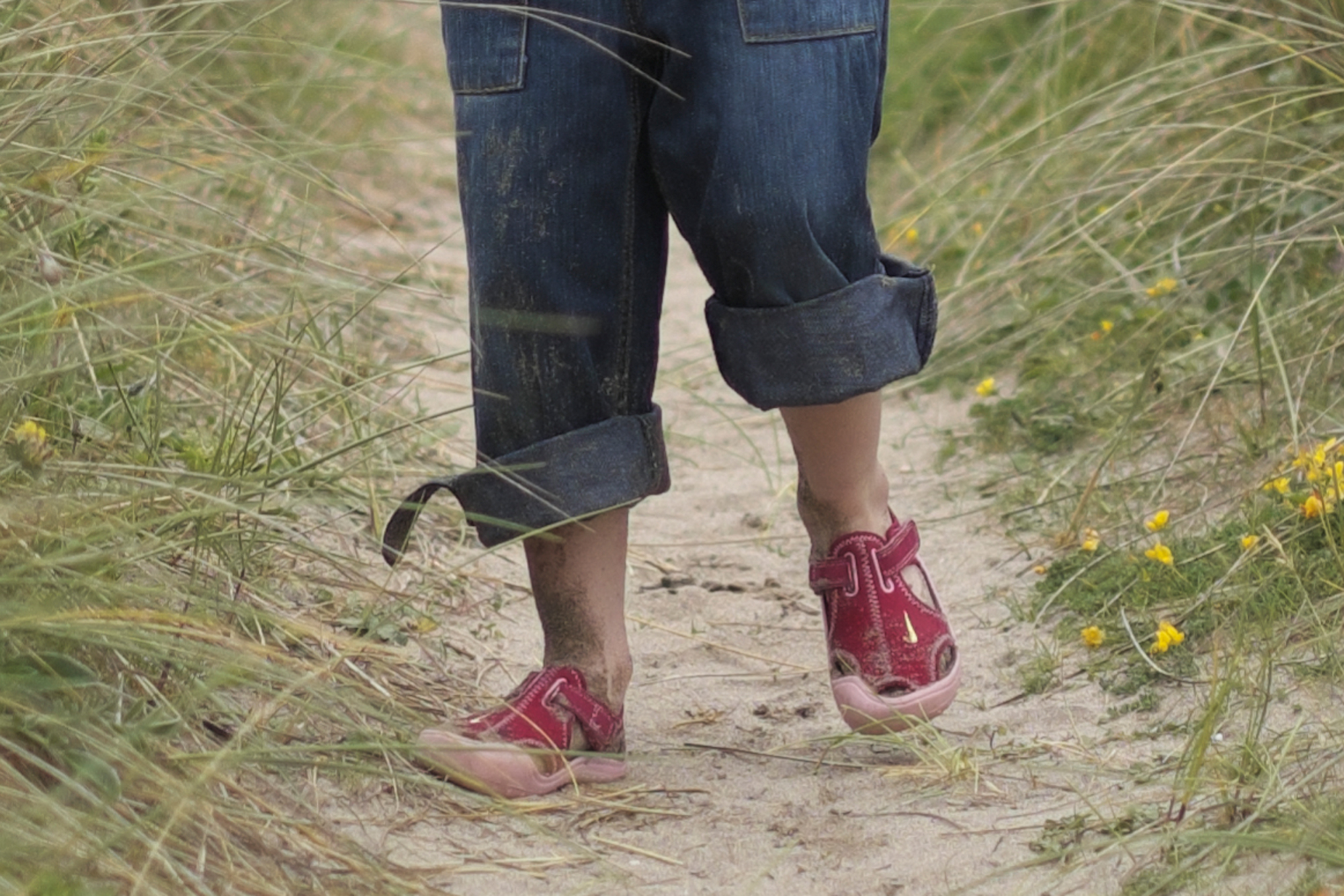
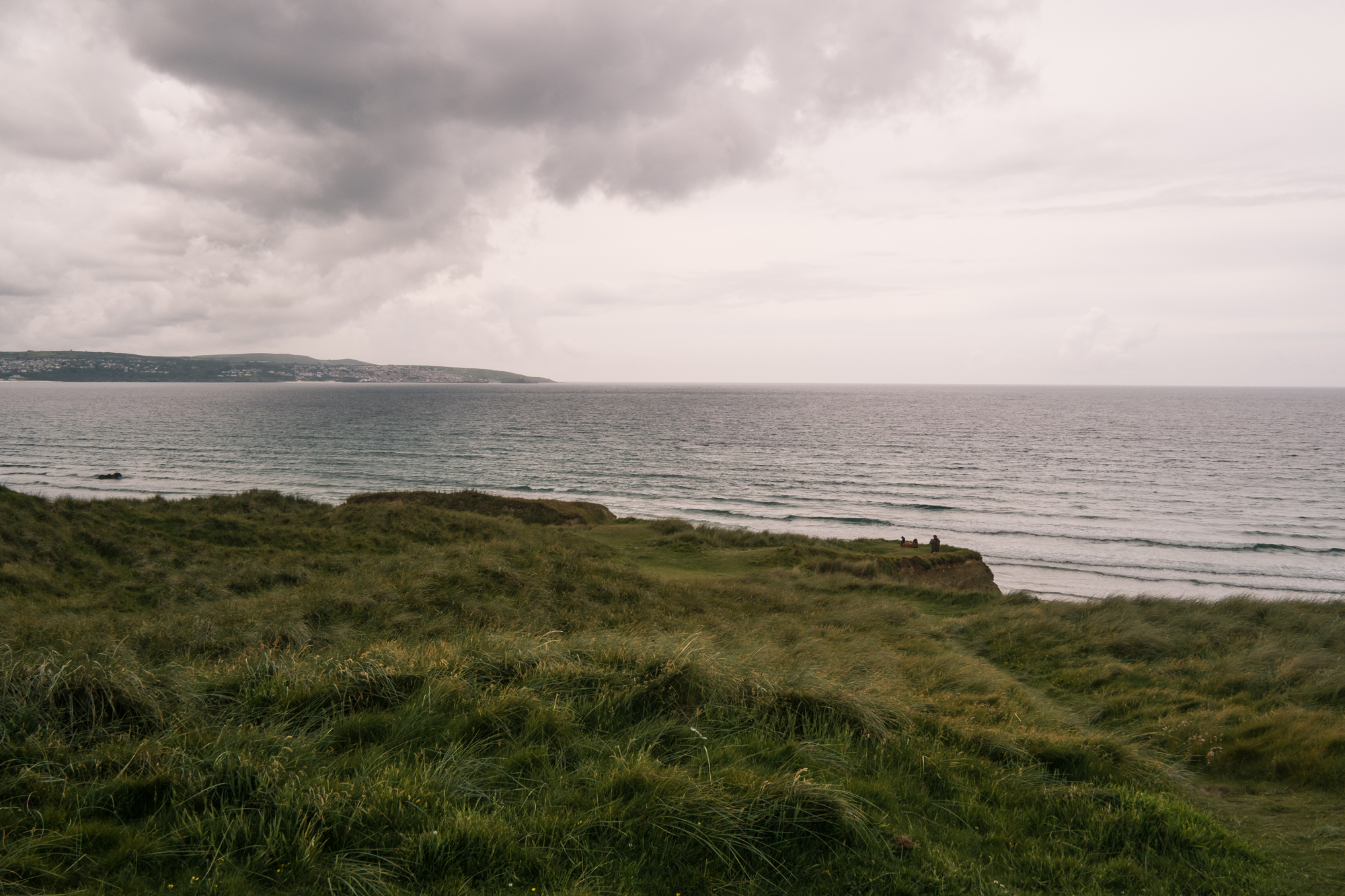
Please click on the images for a much larger view. The first image of my daughter in the sand dunes was processed with Lightroom 4.1 default settings, the next with Raw File Converter powered by SilkyPix. The colour is better in Lightroom. But move on to the next shot which is a detail crop from the image, you can clearly see painterly effects on her shoes, her legs and in the sand around her. Move to the next shot which is the detail crop but this time processed with Raw File Converter powered by SilkyPix, those horrid painterly effects are no where to be seen! The colour isn’t as good and as I mentioned before, I think it’s much harder to achieve a nice balanced colour shot in SilkyPix, but that painterly detail has gone.
I know that Adobe don’t have to fix this, they don’t have to support the camera at all. I just hope that Fuji will work with Adobe on this and fix the problem fast. I love Lightroom and don’t want to have to jump on the next alternative that comes available. Please Adobe, can we fix this?