

Lightroom Fuji X-Pro1 Issue
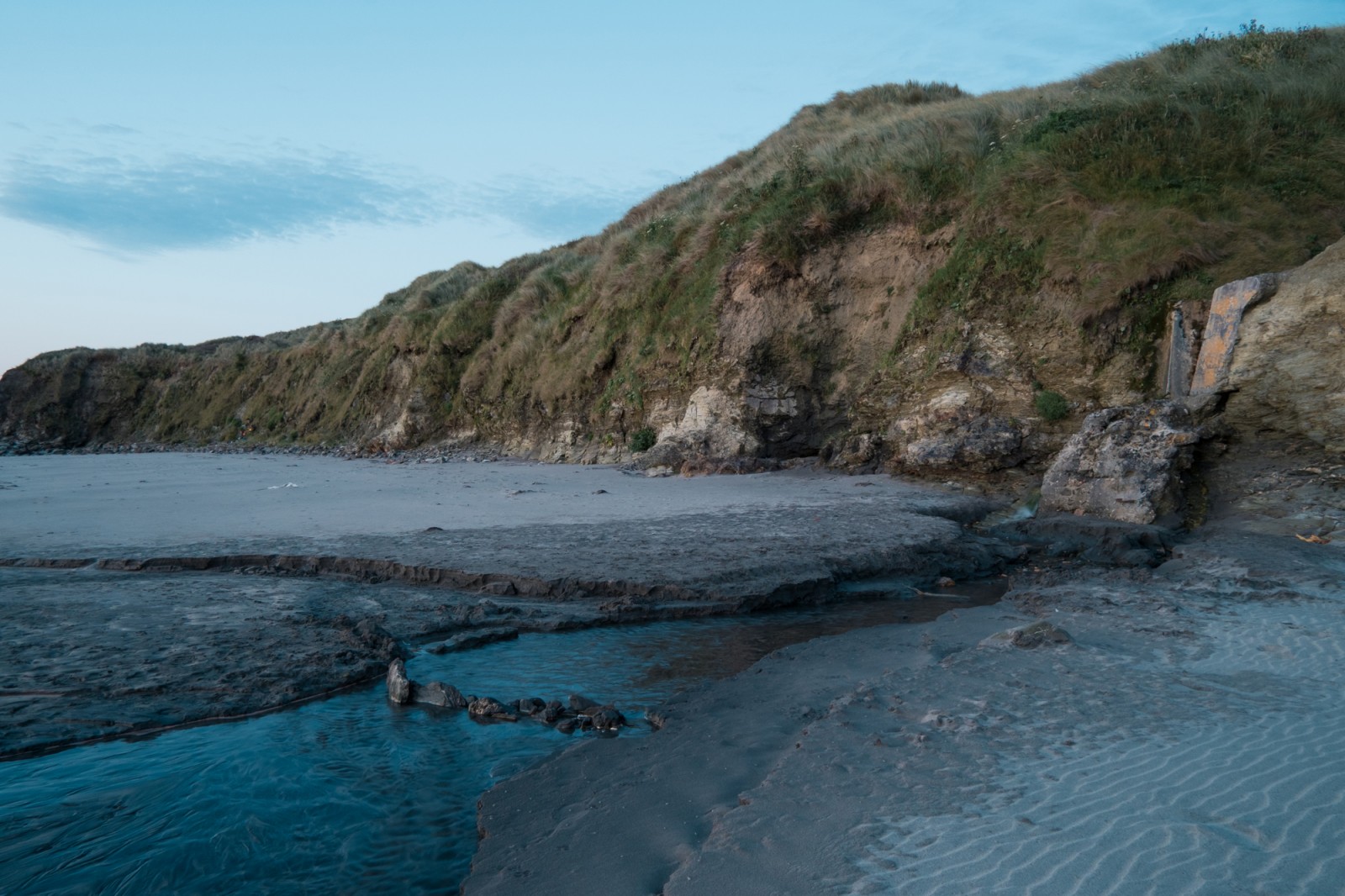


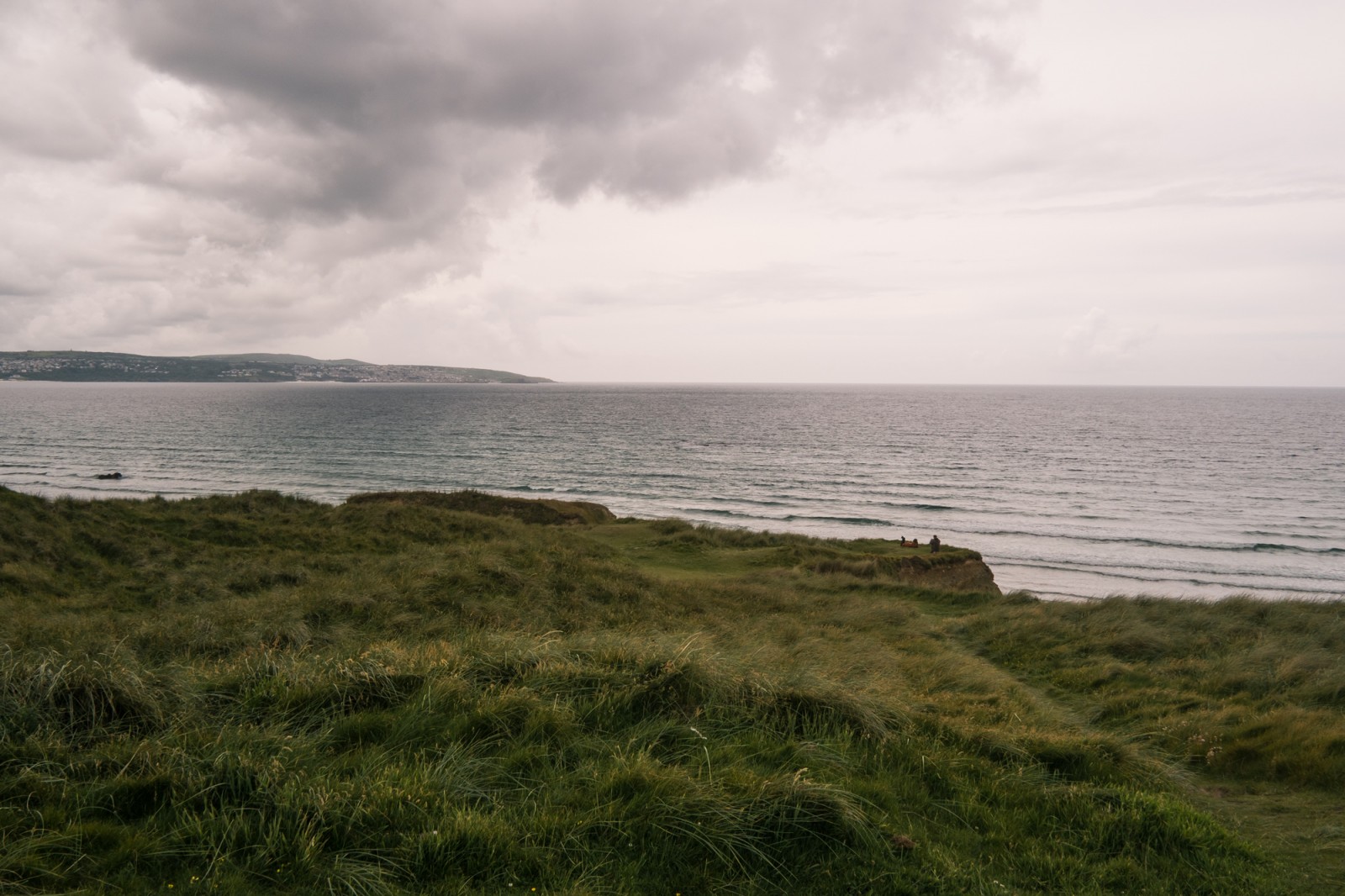
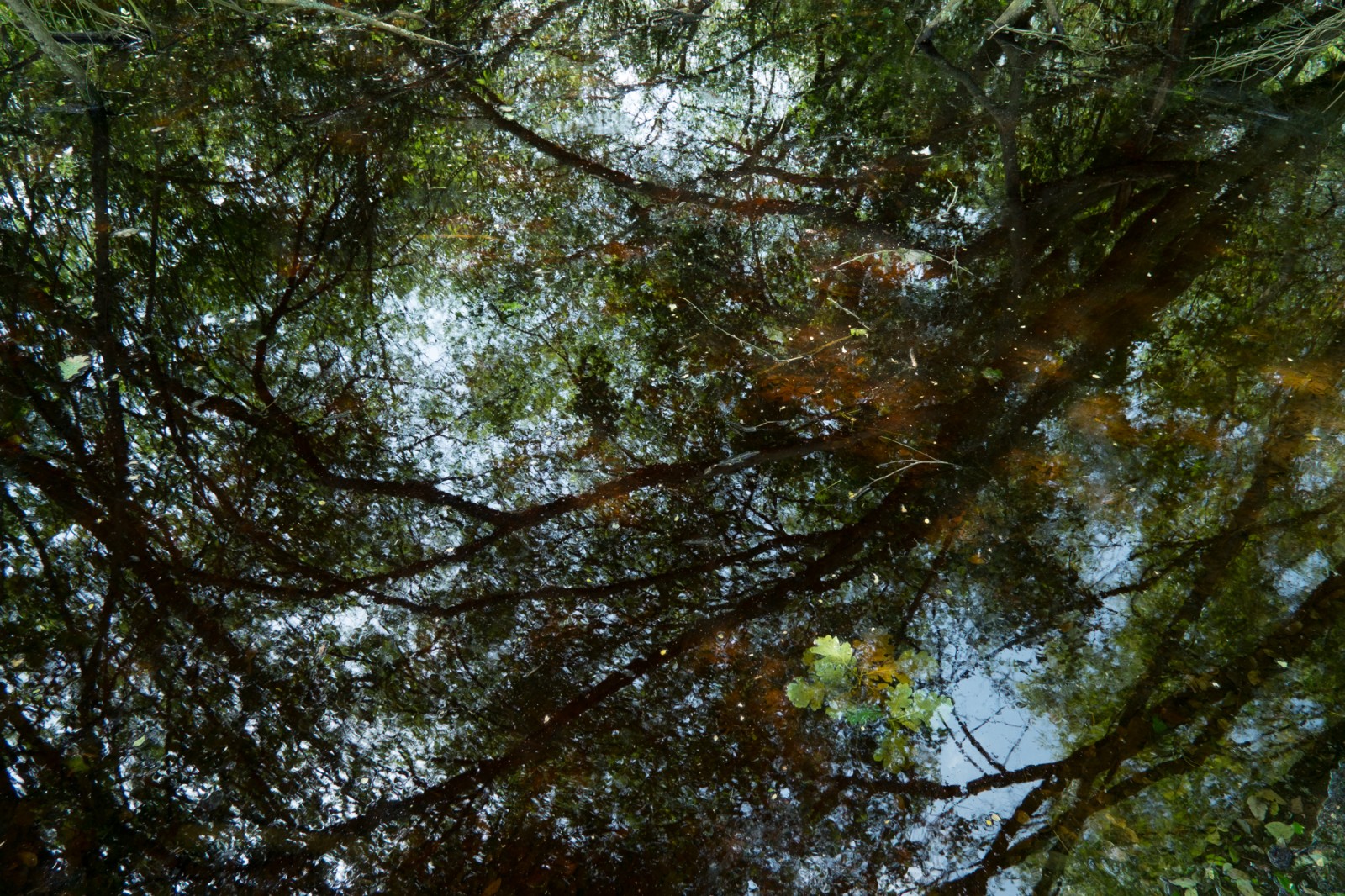
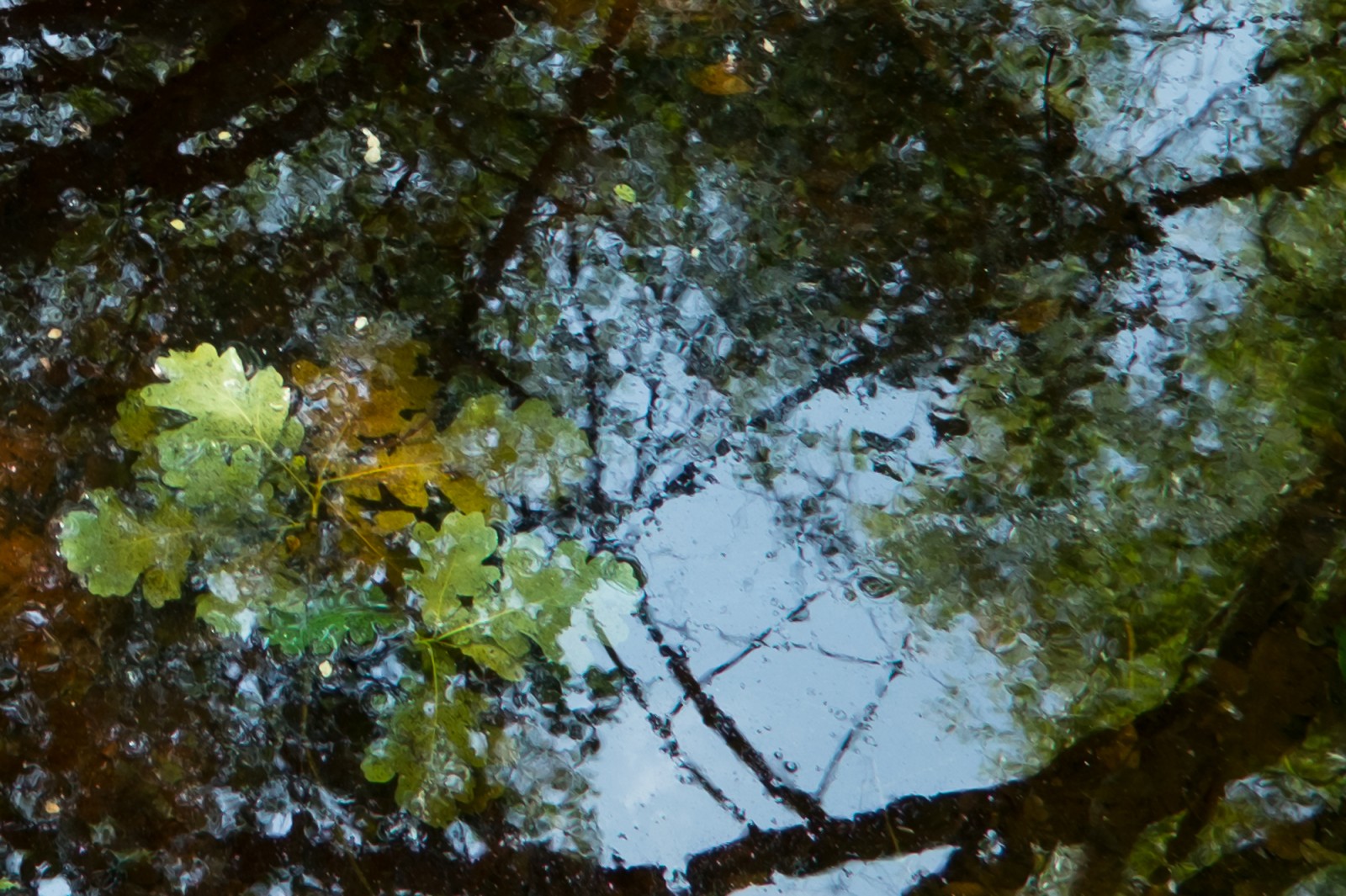


I have had my Fuji X-Pro1 now since April 2012. Immediately I was blown away by the detail this thing could record, this was a big deal for me and I had heard really good things about the new sensor that is on the X-Pro1 and when I started shooting and seeing the results I wasn’t disappointed. Of course there was no Adobe Lightroom support for the camera at this stage and this was a big annoyance for me as I have used Lightroom for a long time and I am bing champion of it. But I processed the Raw files with SilkyPix (Fuji Software) and the results were good – it was hard to work with though, to get the colours right wasn’t easy. Plus I was convinced that there was more dynamic range to come from those Raw files than what I could achieve in the Fuji software.
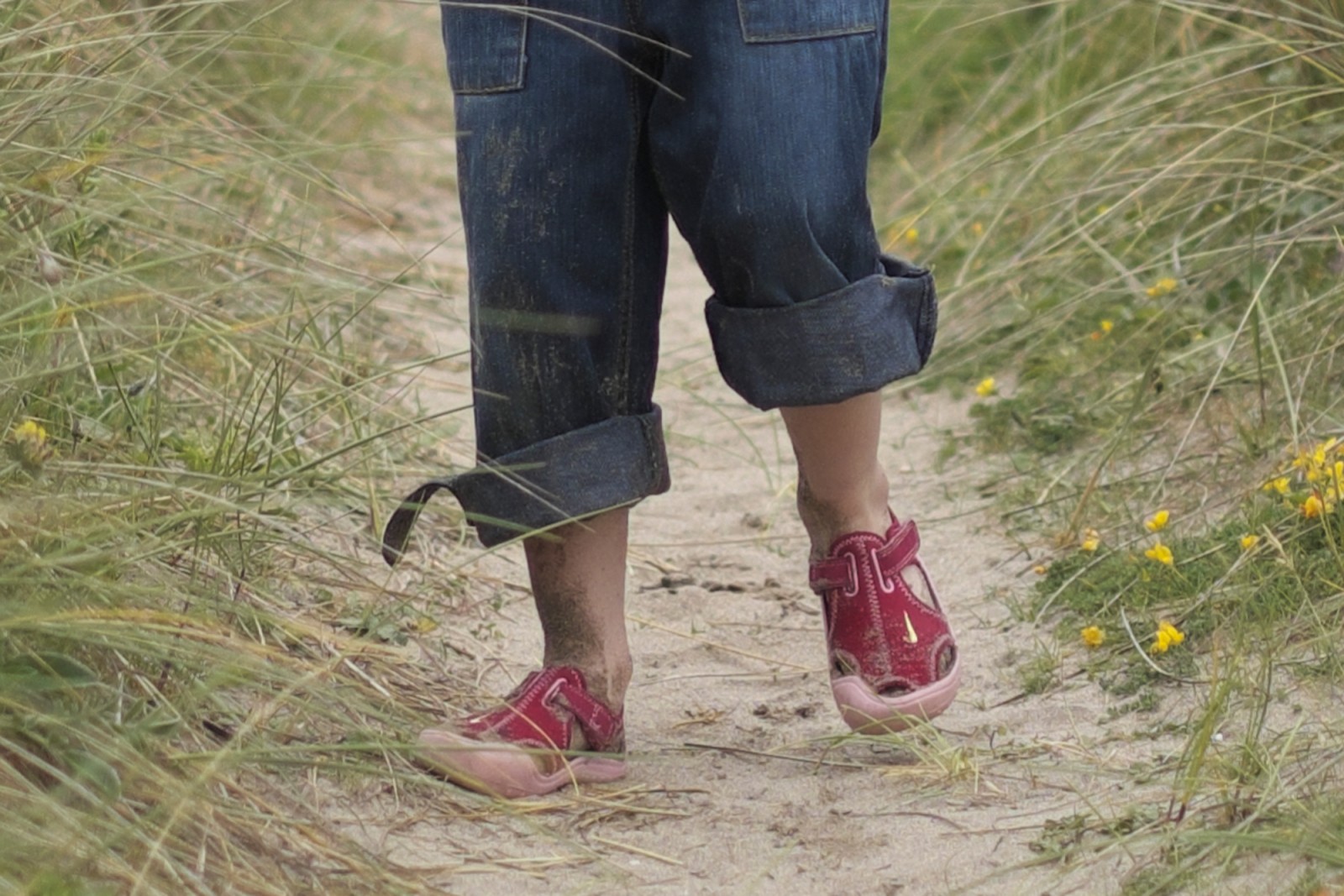
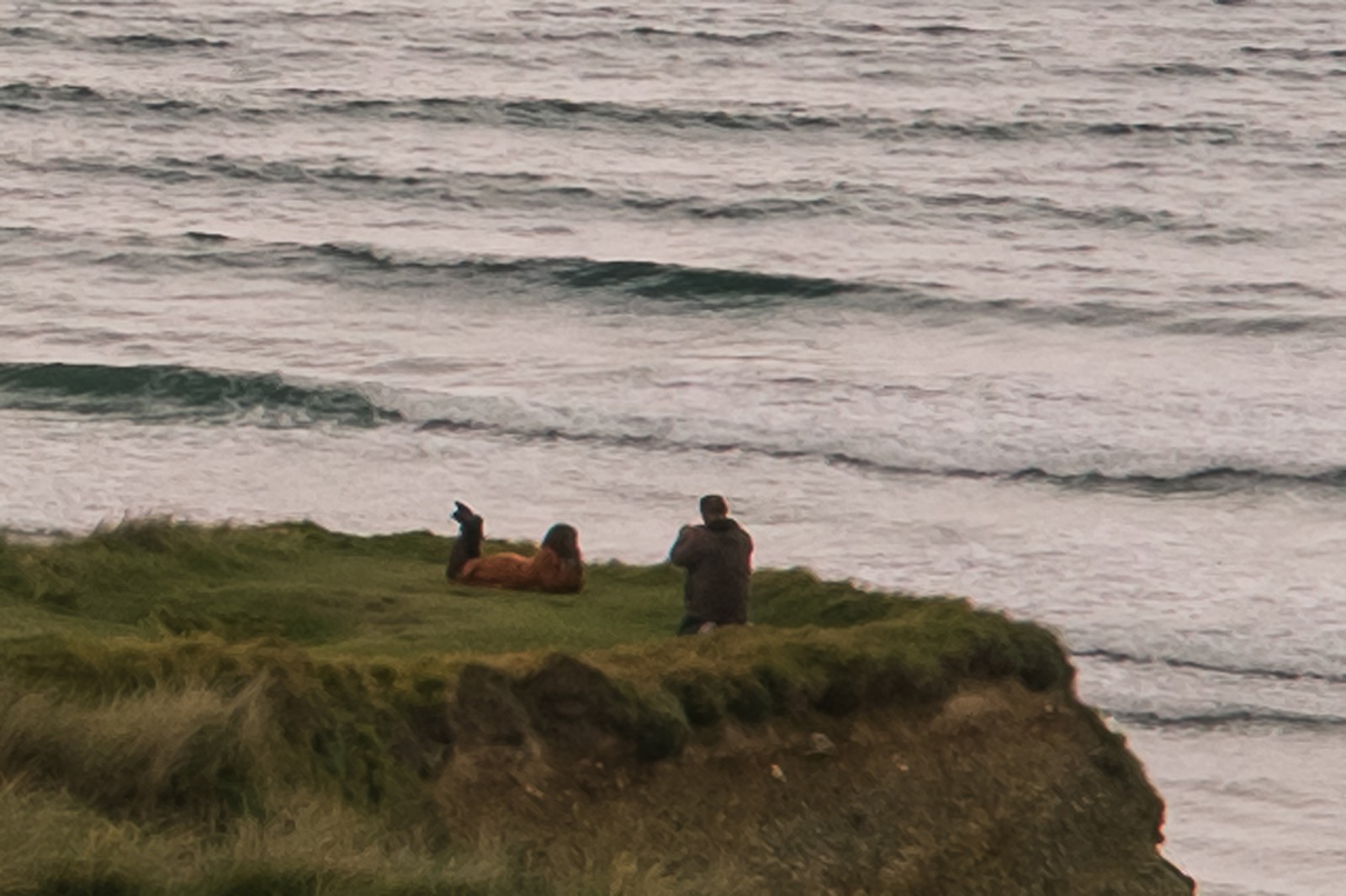
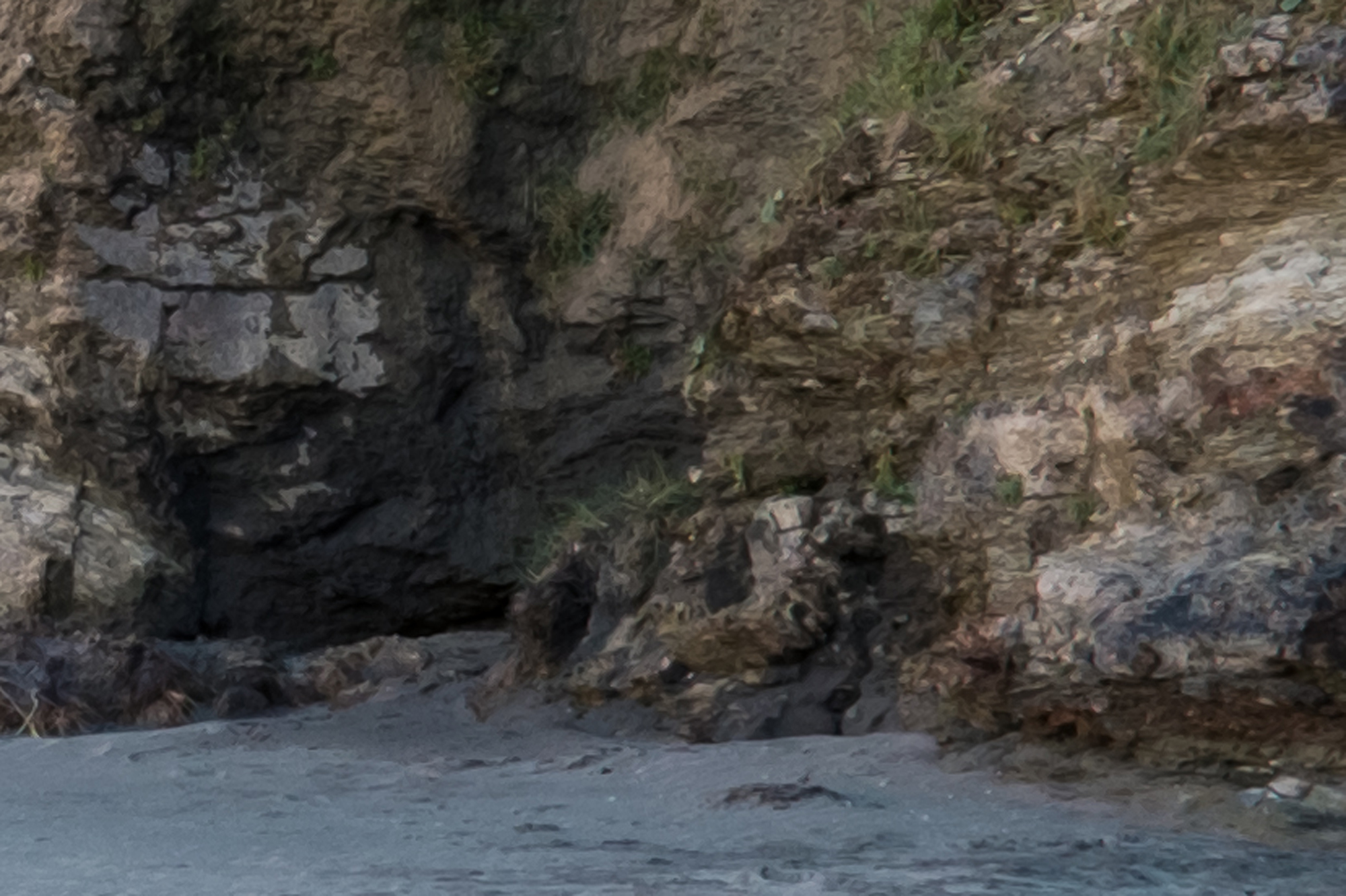
So then comes support from Adobe in the form of Lightroom 4.1. My prayers were answered, but not quite! Right from processing my first images it was obvious that there was a problem, some sort of painterly effect was taking place. Upon reading up, it seems I am certainly not the only person experiencing this problem which I believe is referred to as Chroma Blurring!? Anyway, at low-res for putting on Flickr or something, the images seem fine, but hires the detail is strange and blurry, like an oil painting.
My worry is that a lot of people seem to think it’s down to bad processing or incorrect setting that the users has made within Lightroom. This simply isn’t true.
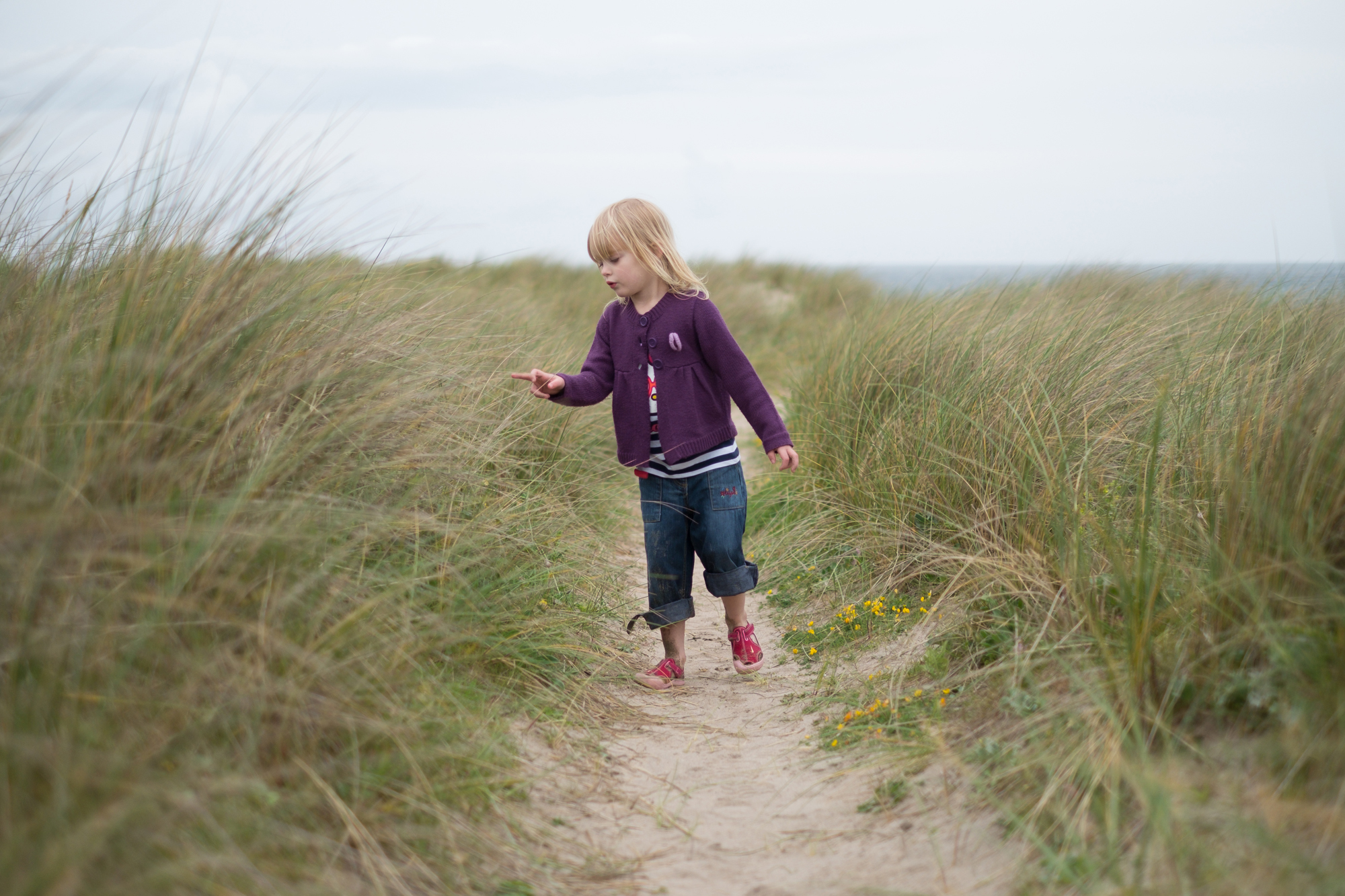
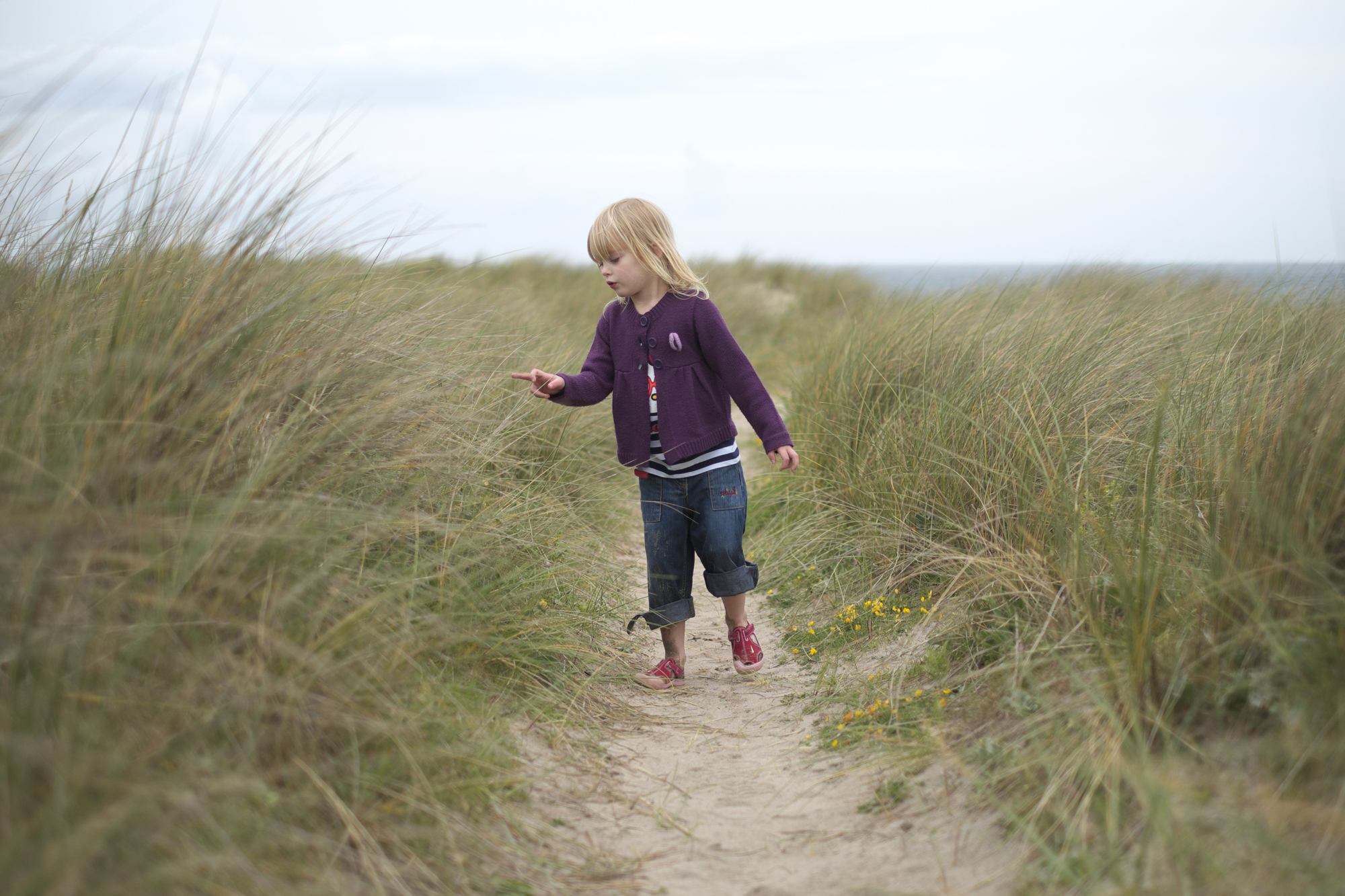
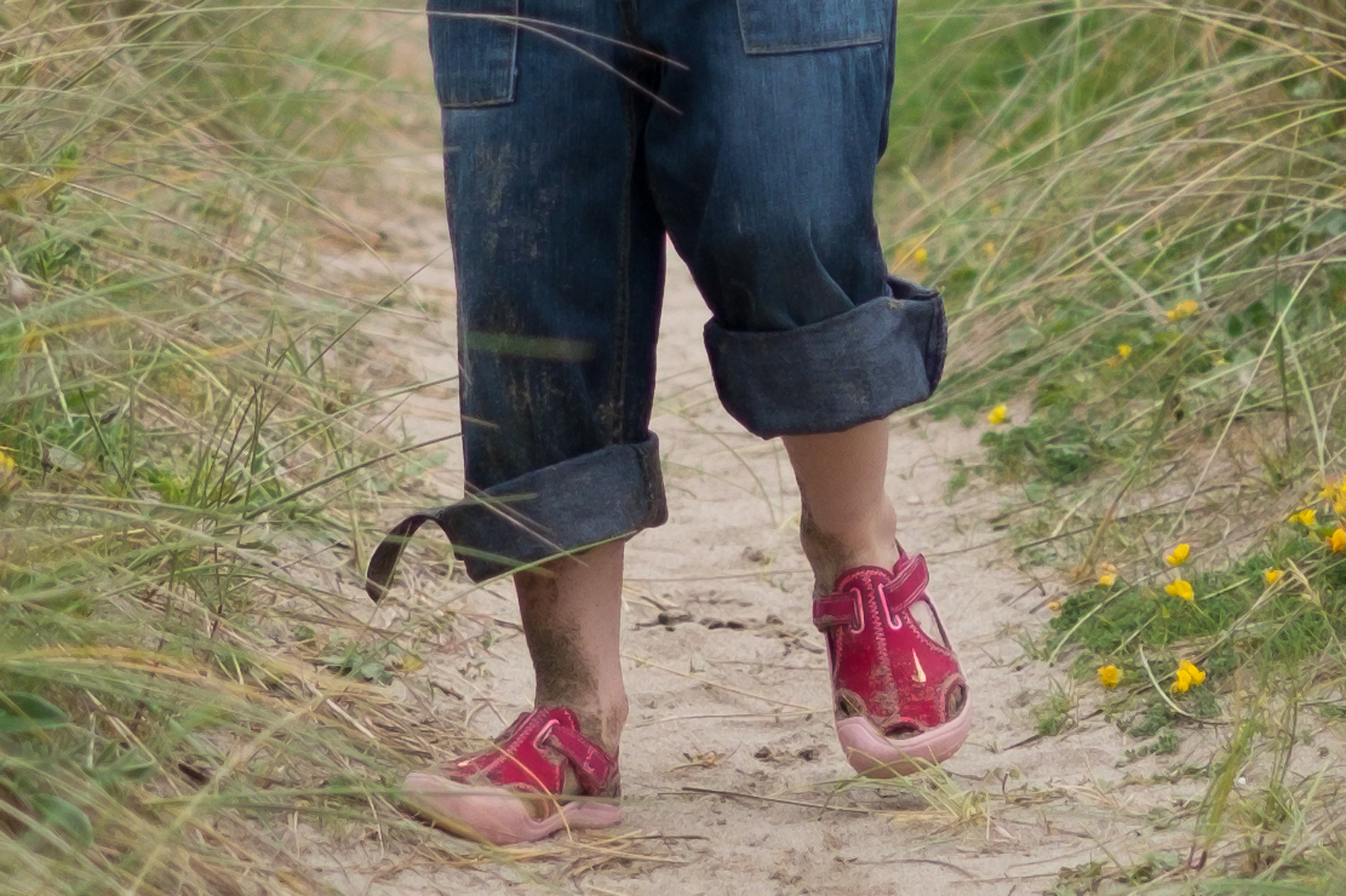
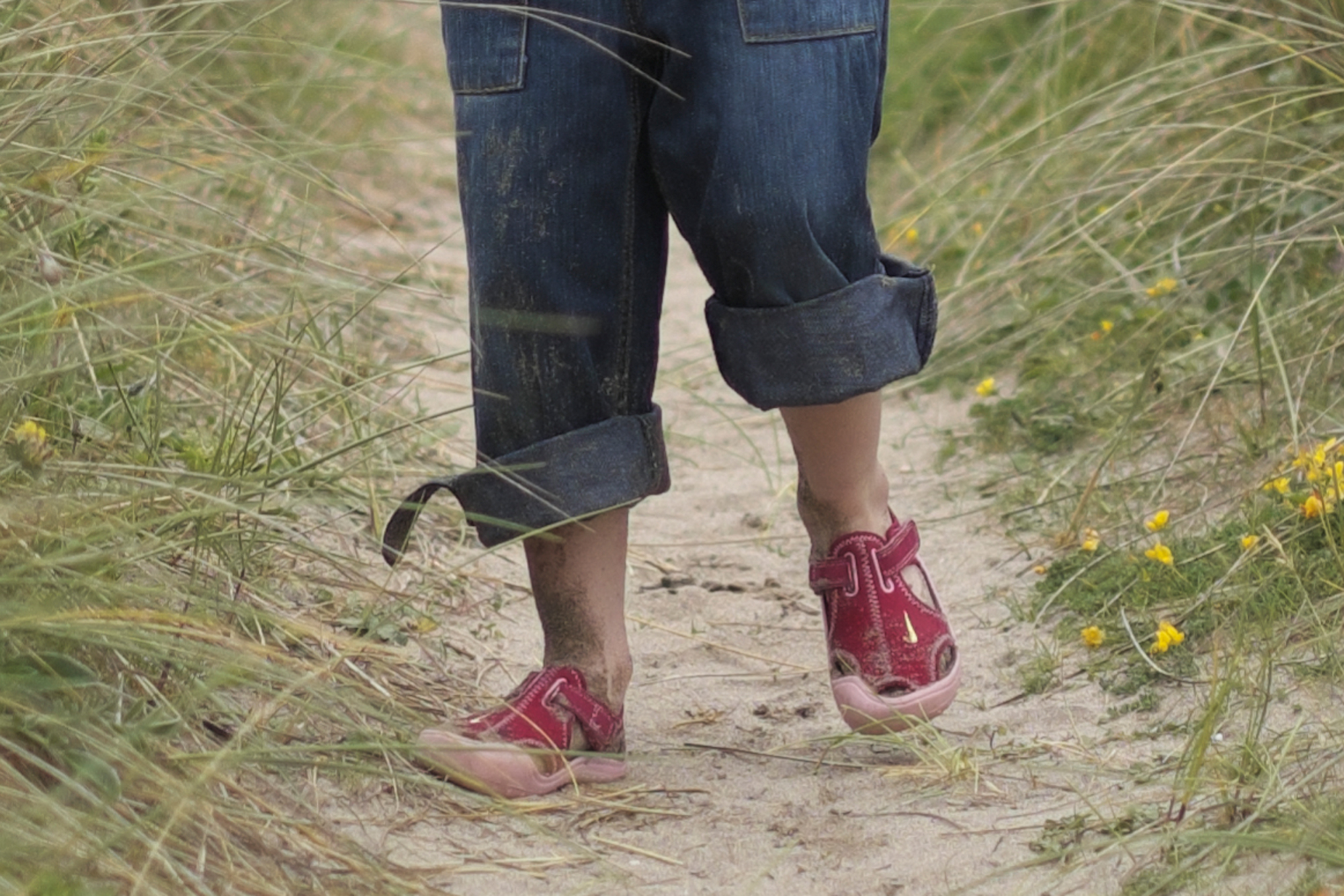
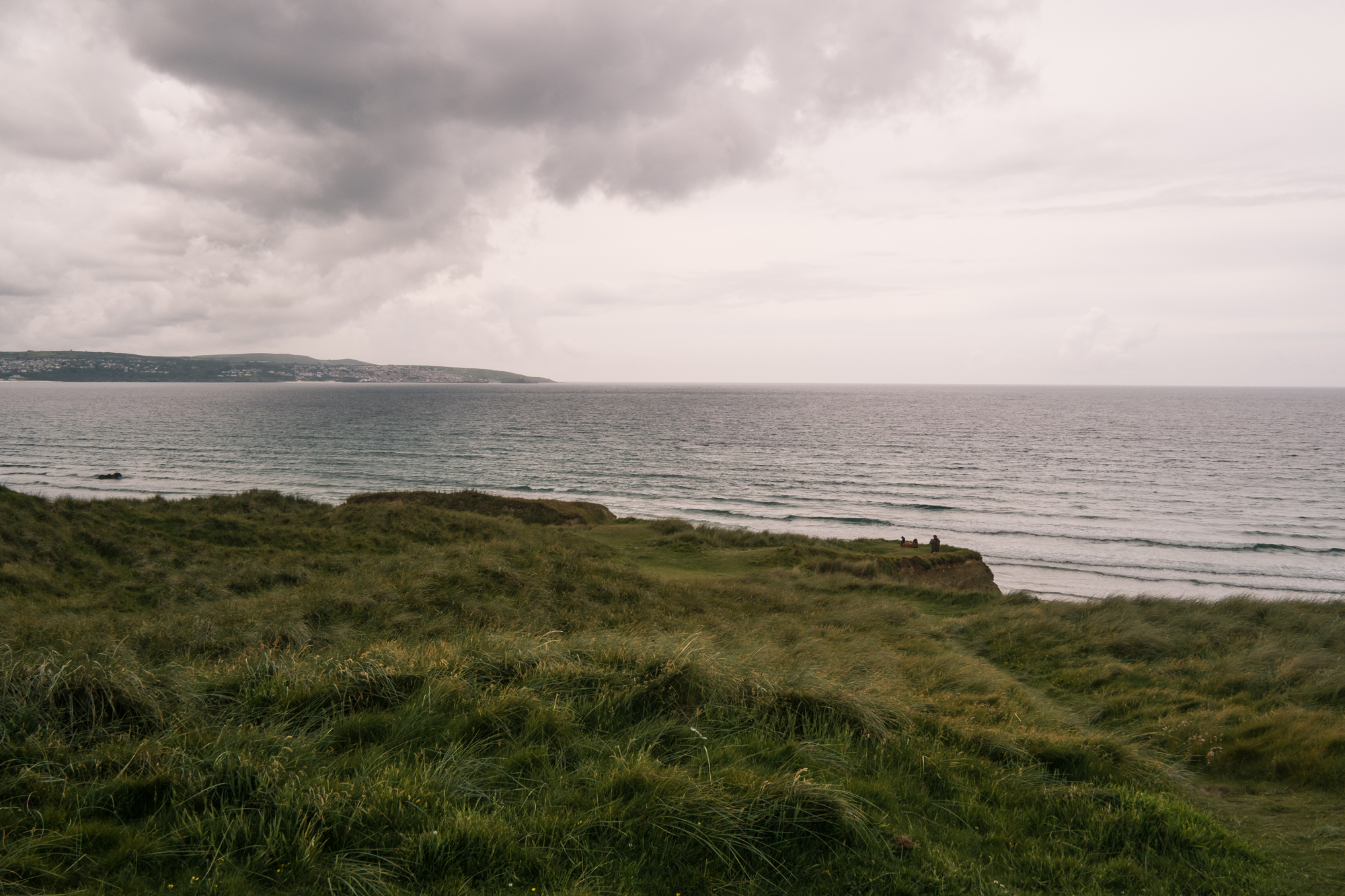
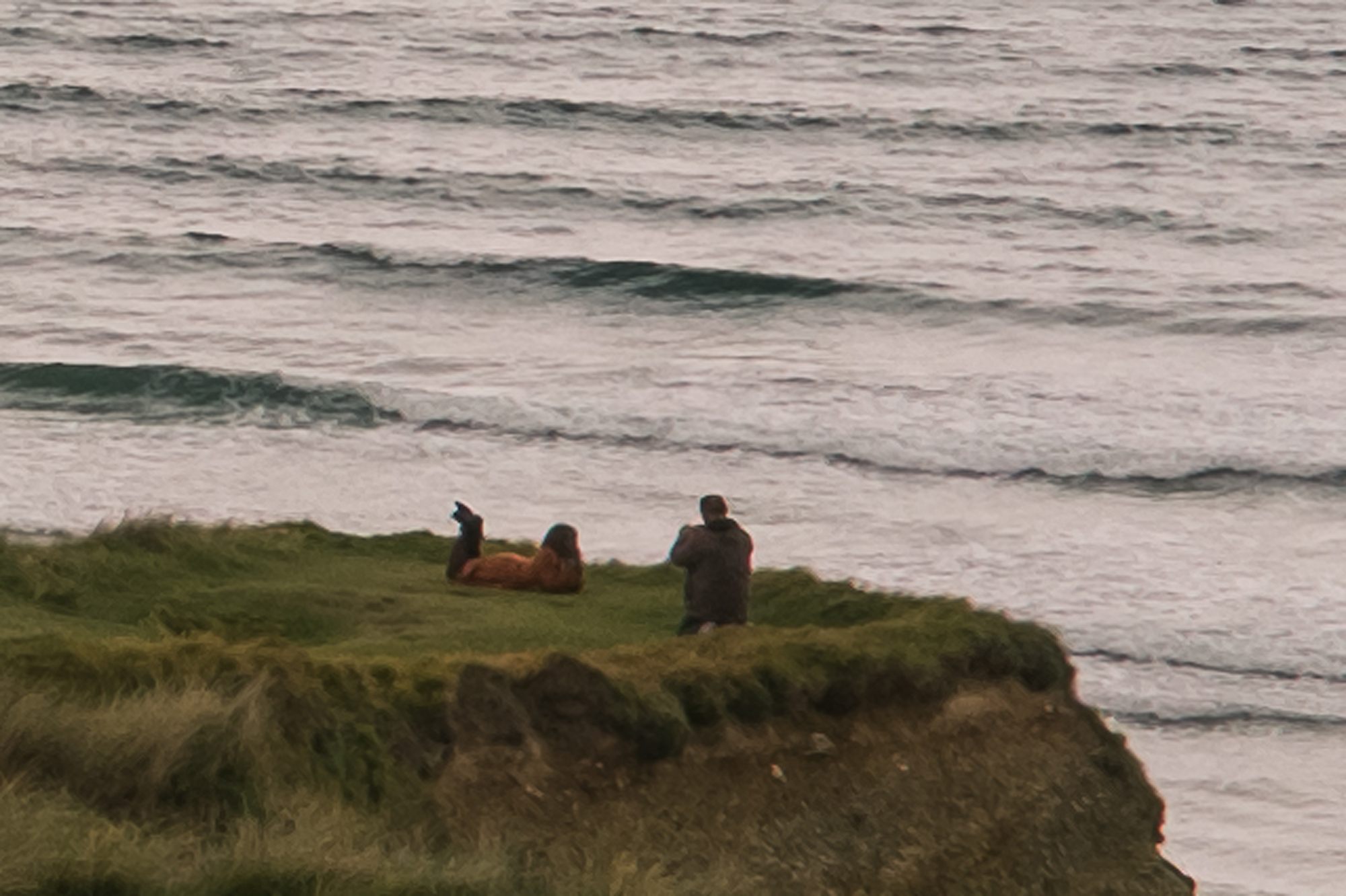
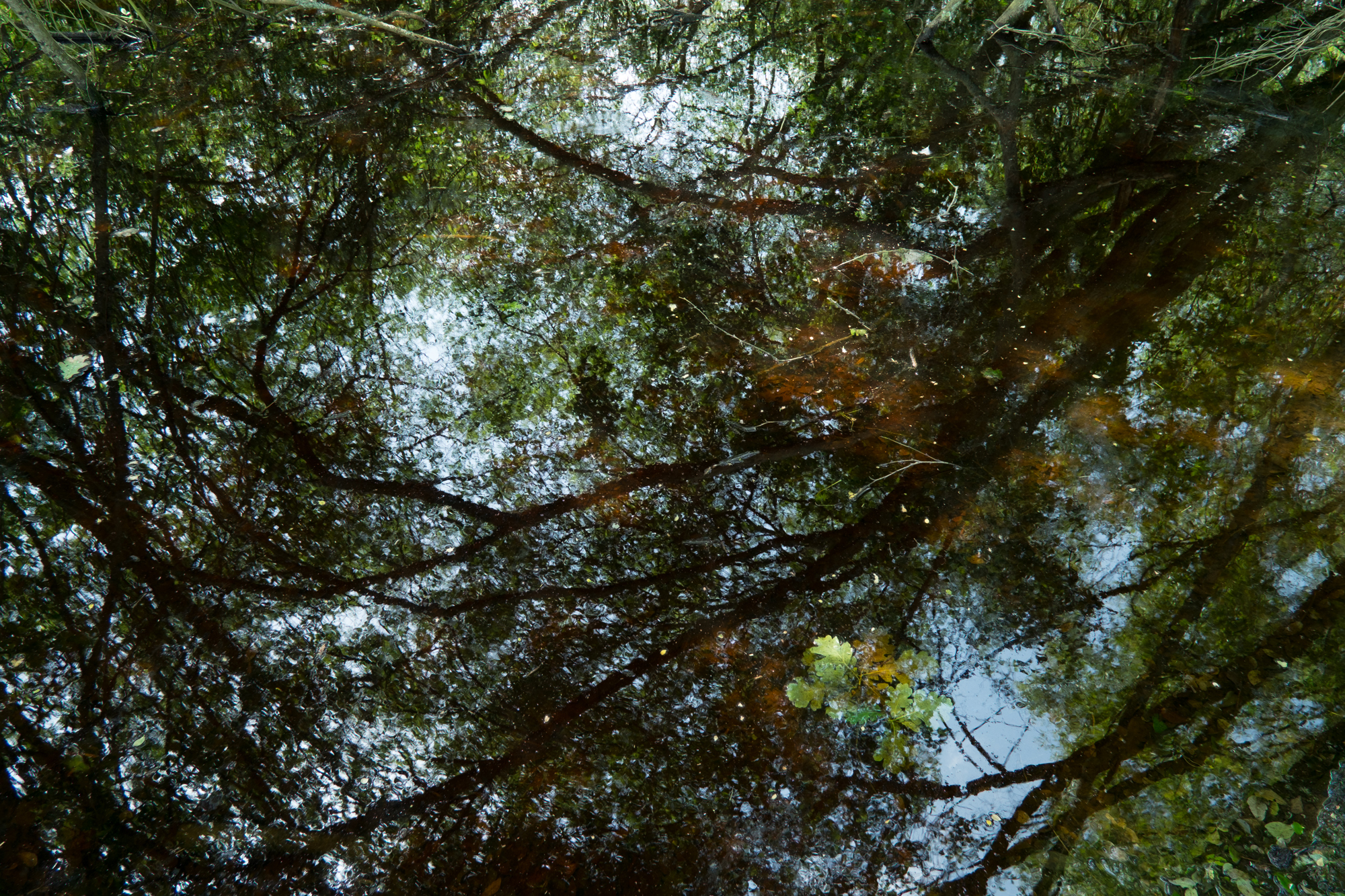
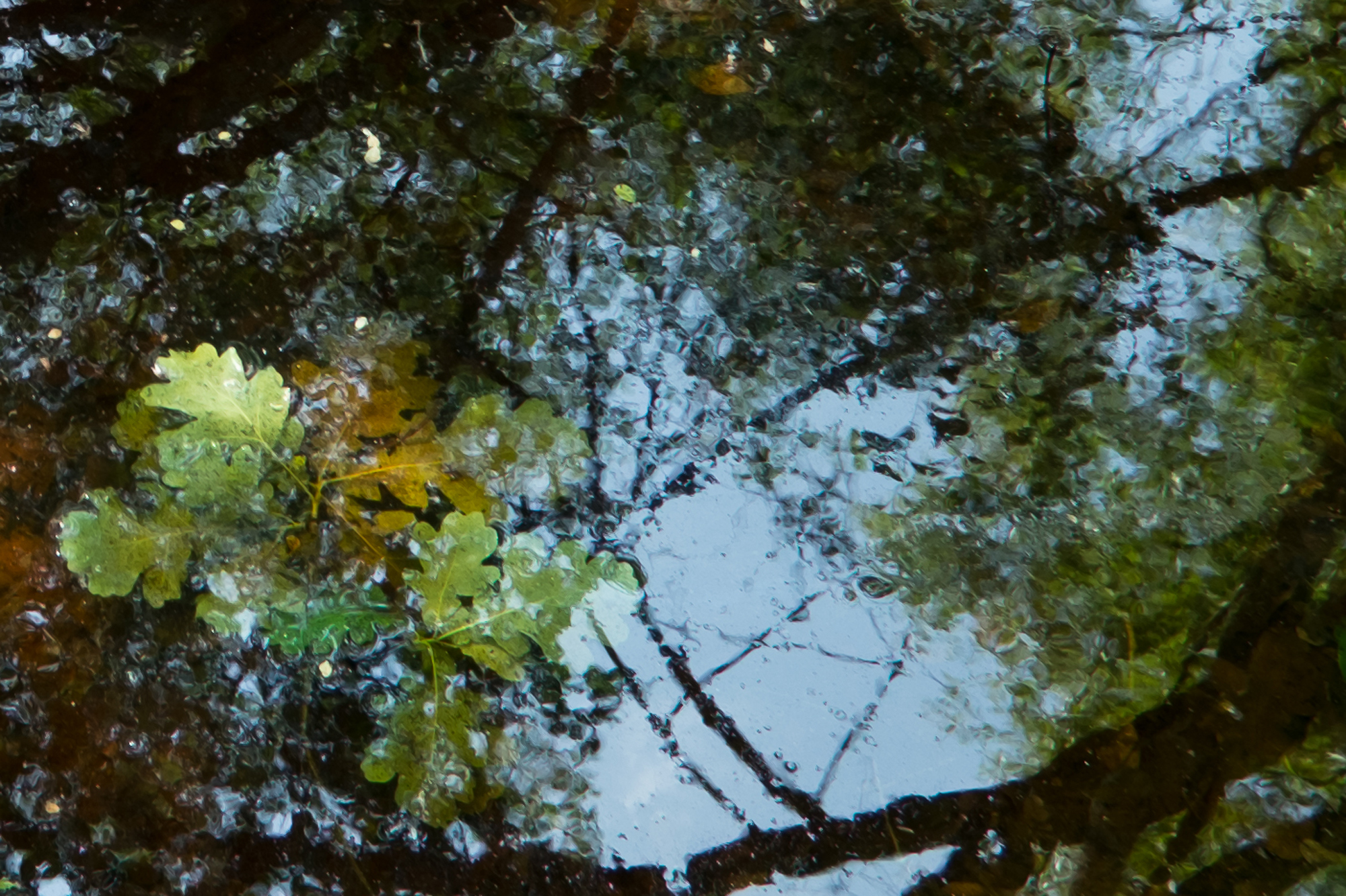
Please click on the images for a much larger view. The first image of my daughter in the sand dunes was processed with Lightroom 4.1 default settings, the next with Raw File Converter powered by SilkyPix. The colour is better in Lightroom. But move on to the next shot which is a detail crop from the image, you can clearly see painterly effects on her shoes, her legs and in the sand around her. Move to the next shot which is the detail crop but this time processed with Raw File Converter powered by SilkyPix, those horrid painterly effects are no where to be seen! The colour isn’t as good and as I mentioned before, I think it’s much harder to achieve a nice balanced colour shot in SilkyPix, but that painterly detail has gone.
I know that Adobe don’t have to fix this, they don’t have to support the camera at all. I just hope that Fuji will work with Adobe on this and fix the problem fast. I love Lightroom and don’t want to have to jump on the next alternative that comes available. Please Adobe, can we fix this?
New Courses
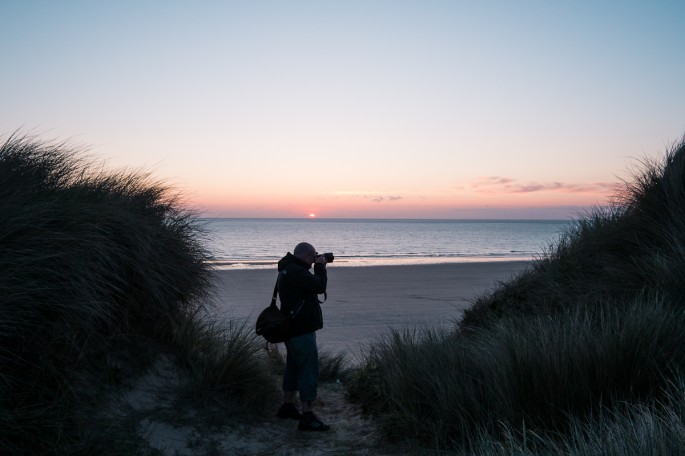
I have been busy writing, thinking and creating new photography courses of late. I’m really excited about some of the new ideas (and some of the existing ones!) that will be starting soon.
Photoclub in the Pub
Photoclub in the Pub still remains popular and I have new courses starting in Sevenoaks, Eridge, Battle and Lewes in August 2012. Places are already going, but some still remain and you can book them here.
Battle, East Sussex
Sevenoaks, Kent
Lewes, East Sussex
Eridge, East Sussex
Art Photo Studies (NEW)
I’d like to expand on Photoclub in the Pub too, with a brand new course called Art Photo Studies. It’s a bit like a part-time college or university course, but far more relaxed and aimed at those who are in employment but want some of the benefits of studying art photography. It is completely delivered online and you can work it around your lifestyle and be anywhere in the world. There will be 6 modules in total, 5 of which will be assignments set by myself and one will be an overall body of work to one specific theme. You have 9 months to complete all 6 modules.
The course includes:
- 5 set assignments for you to work on
- 1 open assignment to create a larger body of work
- Video screencast feedback (20 images per module)
- Online live discussion forums to discuss ideas and projects (once a week)
I will be present at these at least once a month - At the end of the course you will be marked on all work and given a grade.
It’s important to say that there is no formal qualification for this course at the moment, but you will receive a detailed report from me at the end of the course charting your improvements and abilities. I hope that this will be useful to you if you want to go on and enjoy a career in photography.
This course aims to give the student an understanding of working in a thematic way and producing high quality imagery to set and open briefs in a creative way.
This course will be available in September and will cost £249. Please email me if you’re interested in enrolling hello@andrewnewson.co.uk
Mentored Courses (NEW)
The Mentored courses I offer are a great way to learn photography over a period of time in specific areas. I offer them in 3 months, 6 months and 12 months.
All of the courses are written specifically for you and they will be structured in such a way to help you achieve the results that you want to achieve. So whether you are a keen amateur or perhaps have ambitions to turn a hobby in to a profession, then this could be the course for you.
We start with a consultation meeting of up to 2 hours. It’s an informal meeting over coffee where we will discuss your personal requirements and what you want to achieve from the course. I will assess your level and write a course for you.
…
3 Month Mentored Course Example:
- Consultation meeting to assess your level and requirements.
- After the consultation I write the course and deliver to you (7-10 days after the consultation) your first assignment. This will have a number of key objectives to achieve within 1 month.
- You will take photographs throughout the month and submit to me up to 10 digital images (electronically via Dropbox) that represent the objectives.
- Upon receiving your files I will do a screen cast critique of your images and deliver to you electronically (via Dropbox). This will offer advice on where you could improve your technique.
- Included with your feedback will be the next assignment which will have another set of objectives to achieve. Again, you take photographs throughout the month and submit back to me 10 of your best images for me to critique. There will be 3 assignments in total and you will receive feedback on all.
Now I realise that you might need some hands on 1-2-1 help during your course and that’s why I have included that. So in addition to the above you have 2x 2 hour 1-2-1 tuition sessions that you can take at any point during your course. These sessions are usually run in Crowborough, East Sussex but can be run at your home if my travel expenses are covered at 25p per mile round trip from TN6 2XR.
In addition you can contact me via email at any point during the 3 month period, I understand you will have questions from time to time and I will do my best to return your emails within 48 hours.
The course can cover a number of different topics, we can cover technical aspects of photograph, creative aspects and also business aspects if required.
£390
2 month mentored course includes:
- 2 hour consultation meeting
- Bespoke photographic course delivered in 3 modules.
- Screen cast critique of up to 10 images per month (30 images in total).
- 2x 2 hour 1-2-1 tuition sessions taken anytime within the 3 months.
…
Image Review
My video screencast feedback has been really popular as part of my other courses and I am now offering this as an individual service. You submit your images digitally (very easy to set up) and I provide you with a video of me talking whilst viewing your images, so I can point out certain elements that work or could be improved upon, I can even show you some processing tips to improve along the way. Prices are currently £10 for 5 images and £15 for 10 images.
1-2-1 Camera Workshops
I have been running these for a long time now and they are still really successful. It’s dedicated time with me to learn what you need to know about your camera or equipment. I can come to your home or you can come to me at the local cafe where the coffee is on me! So whether you’re stuck on auto mode or just want to learn specific things, this could be for you.
For all of my course please check the Photography Courses page from the menu at the top.
Fuji X-Pro1 Review
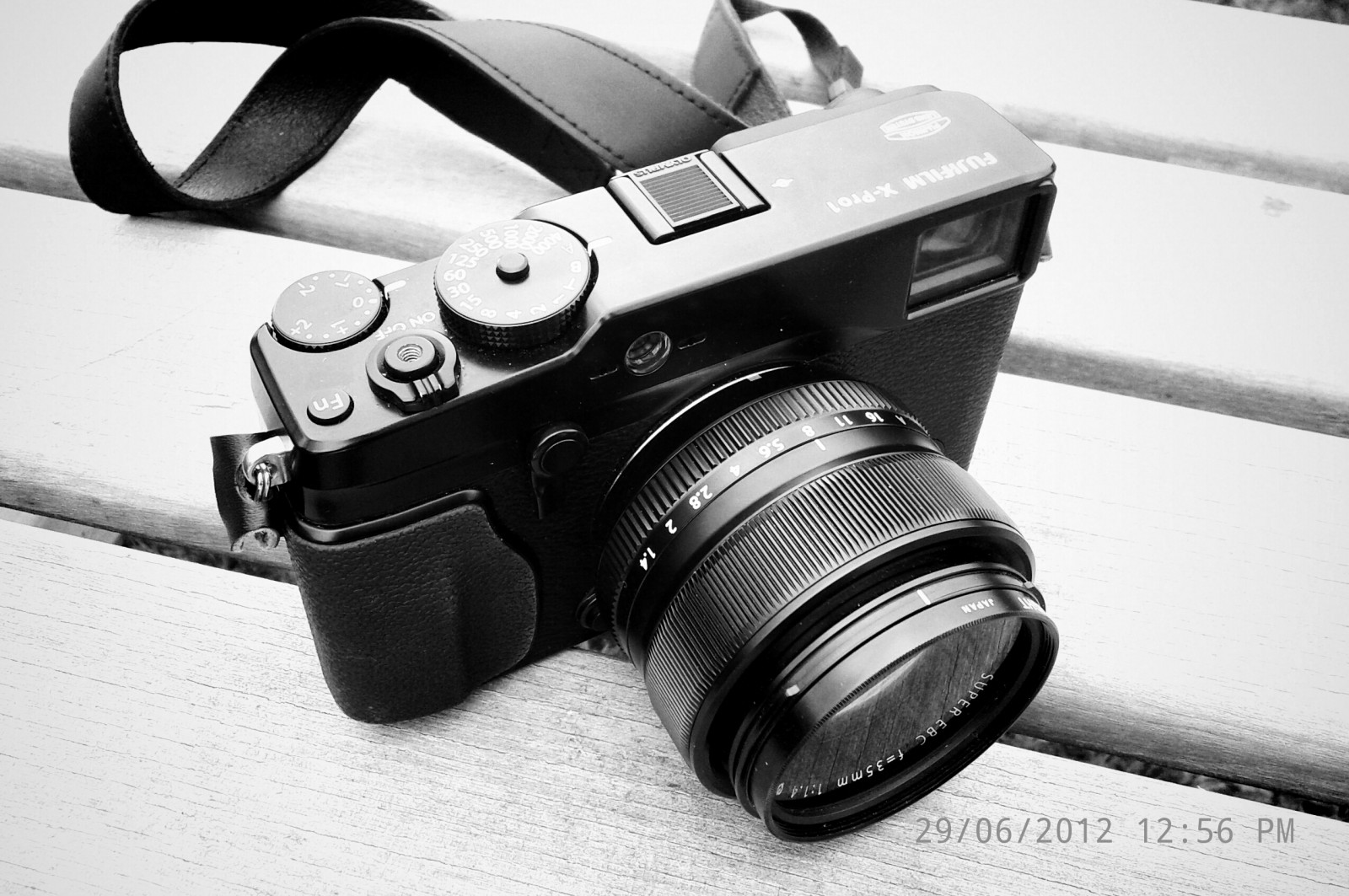

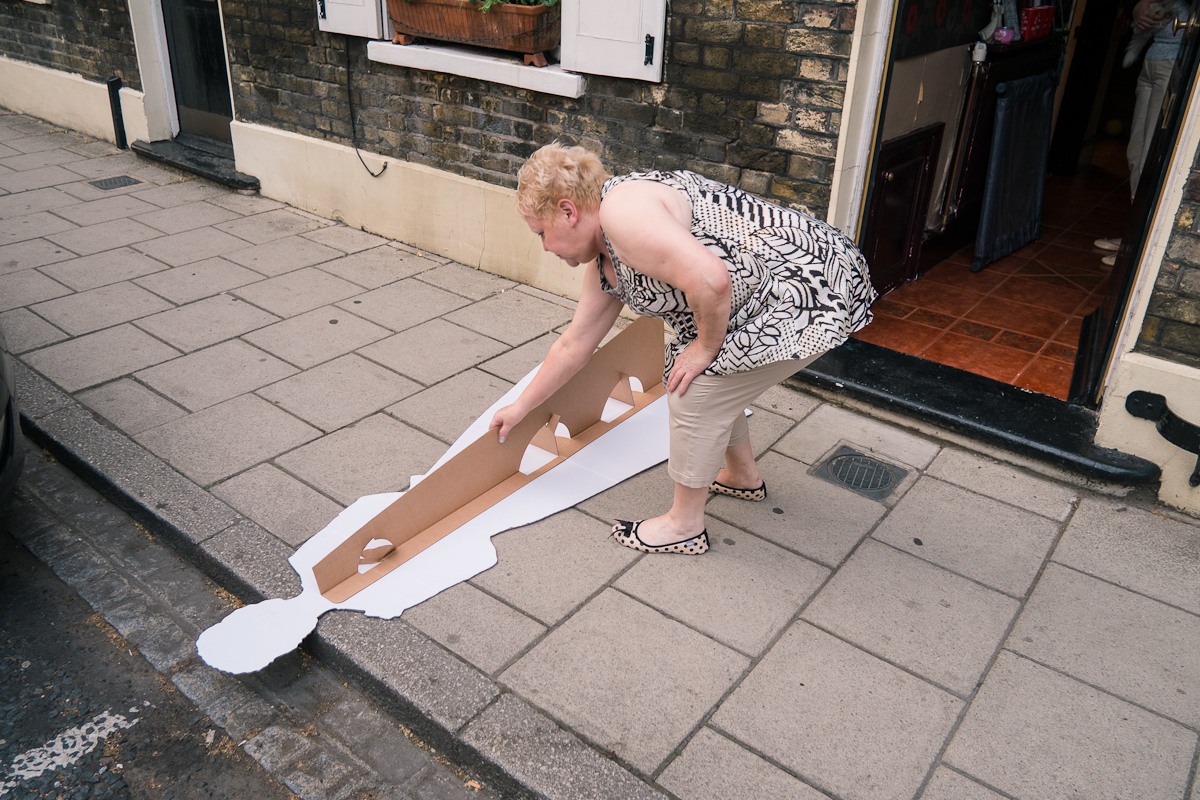
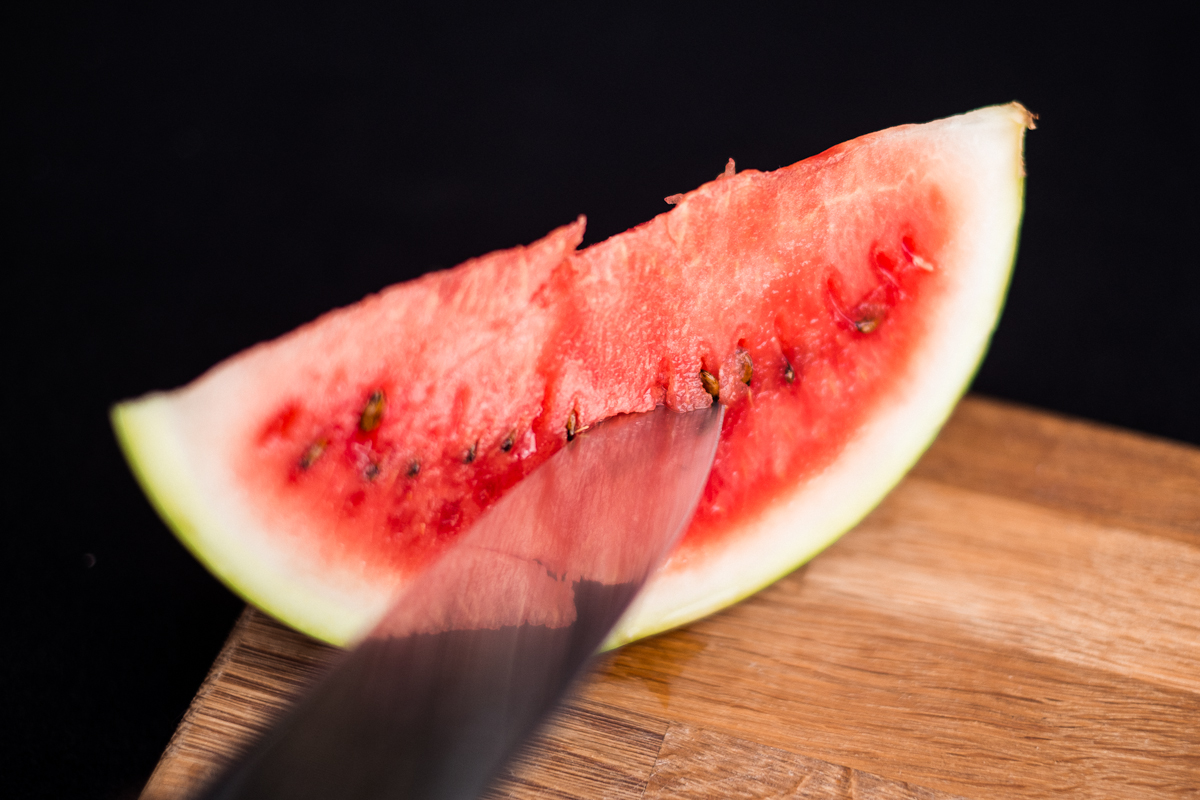
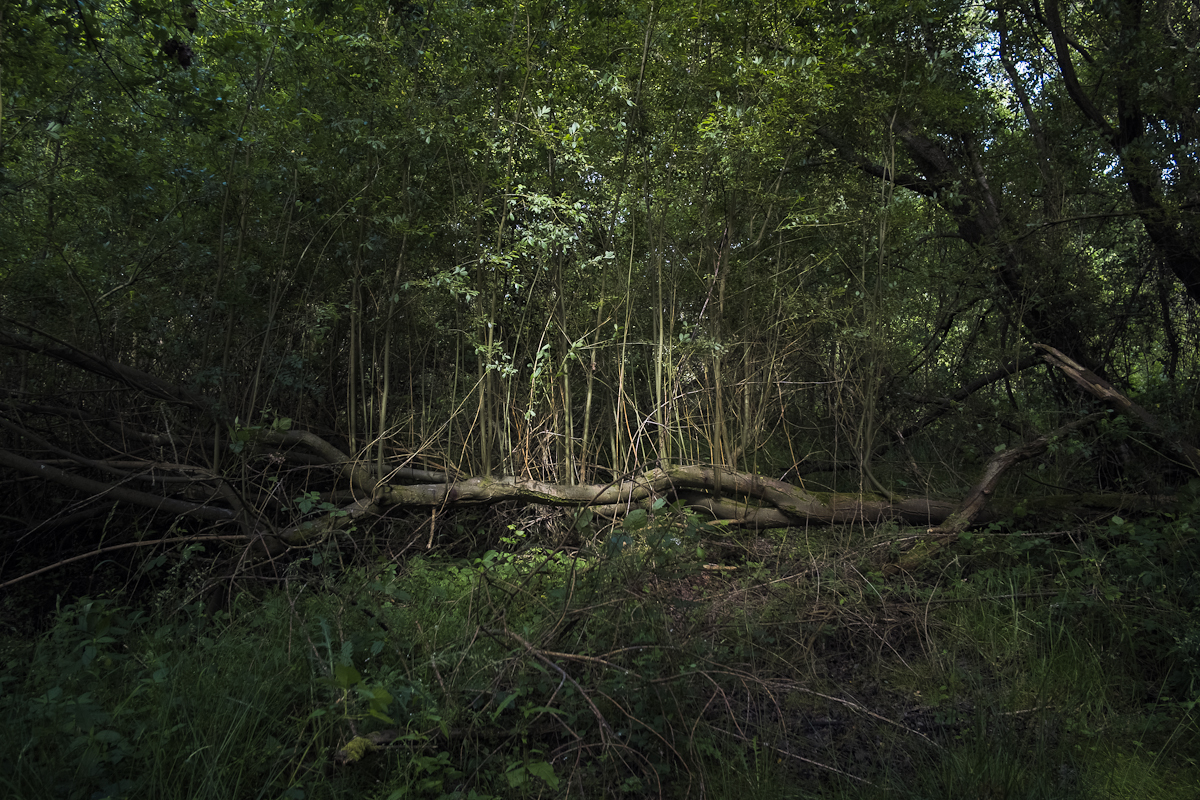
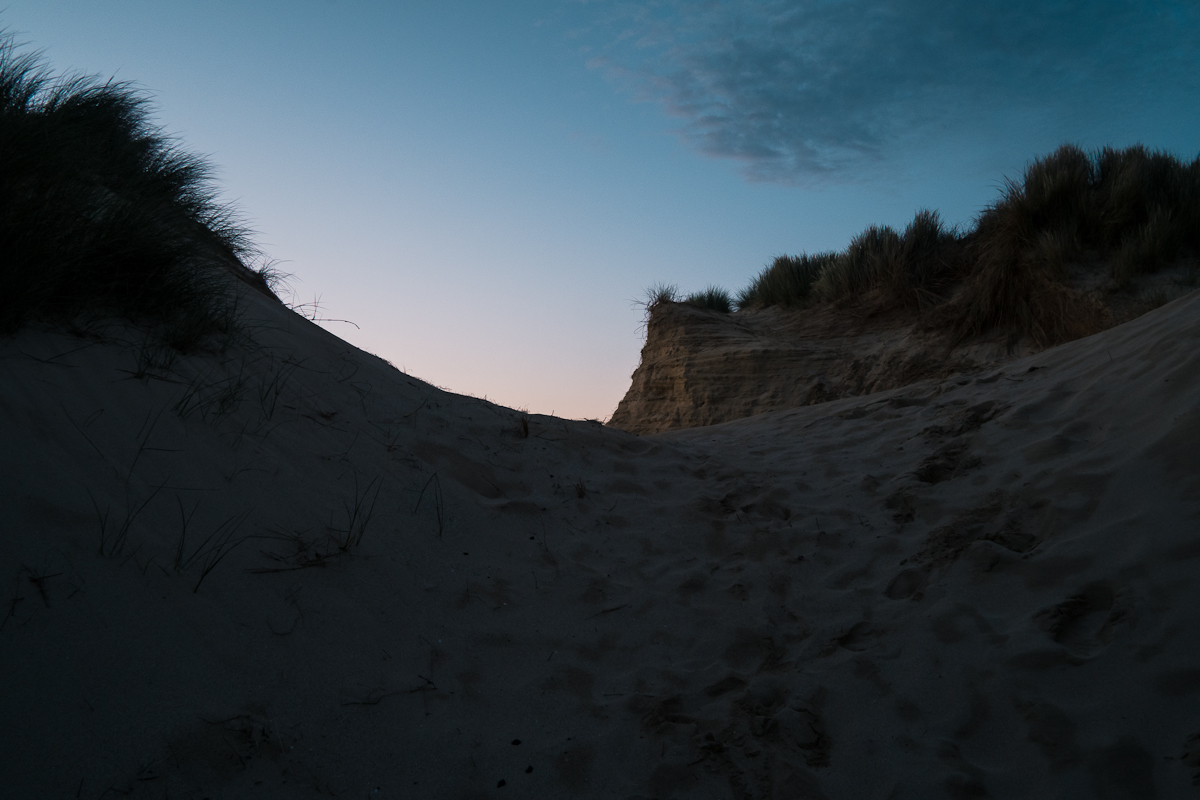

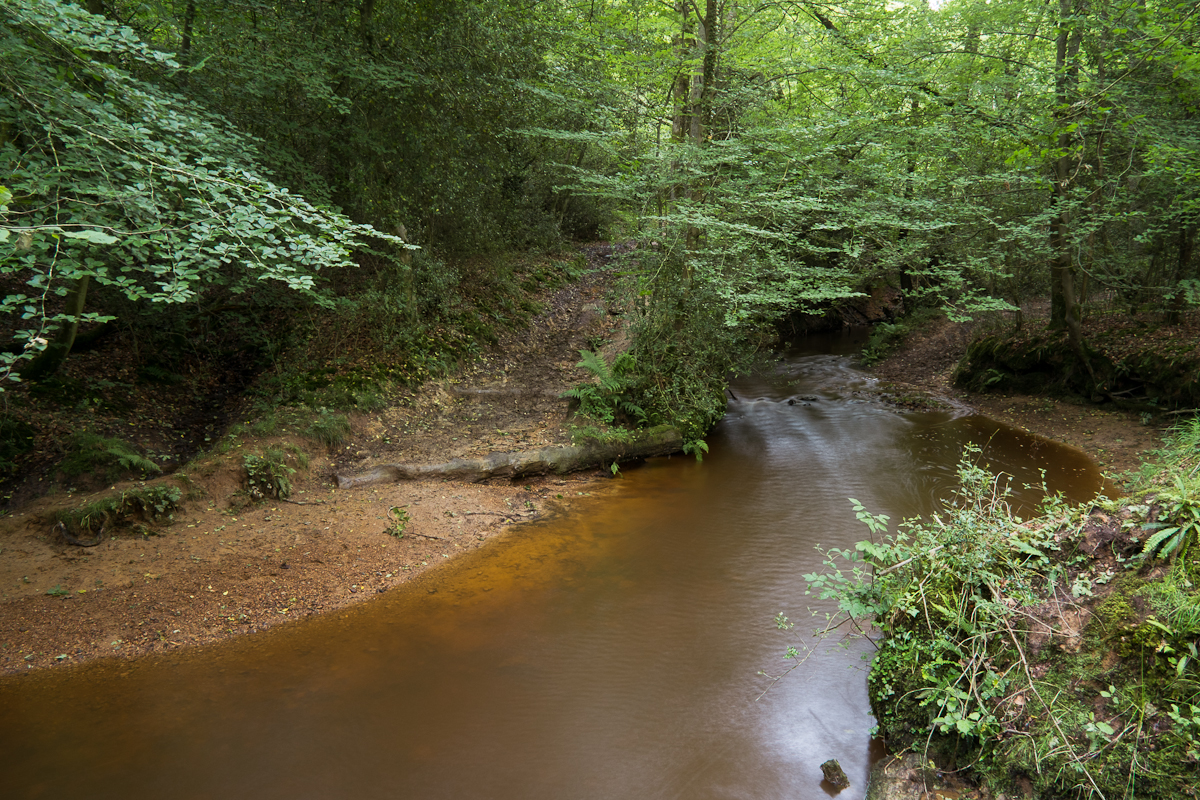
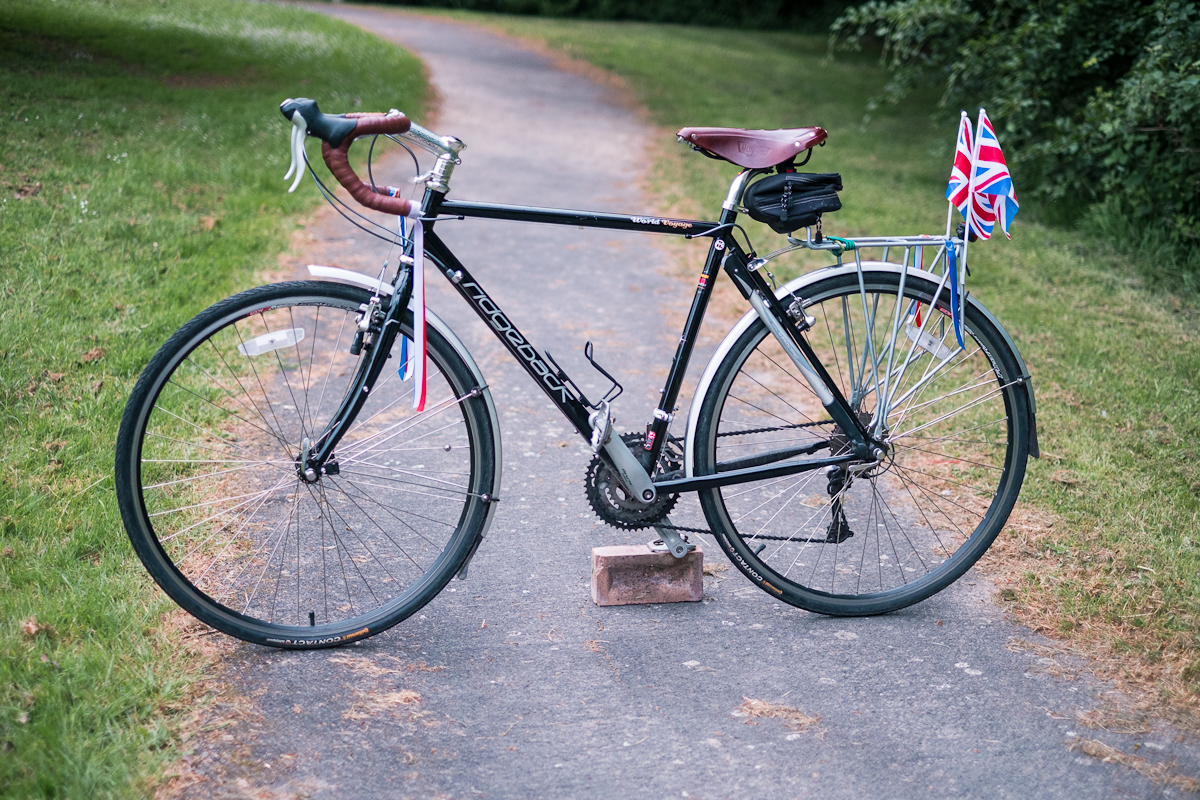
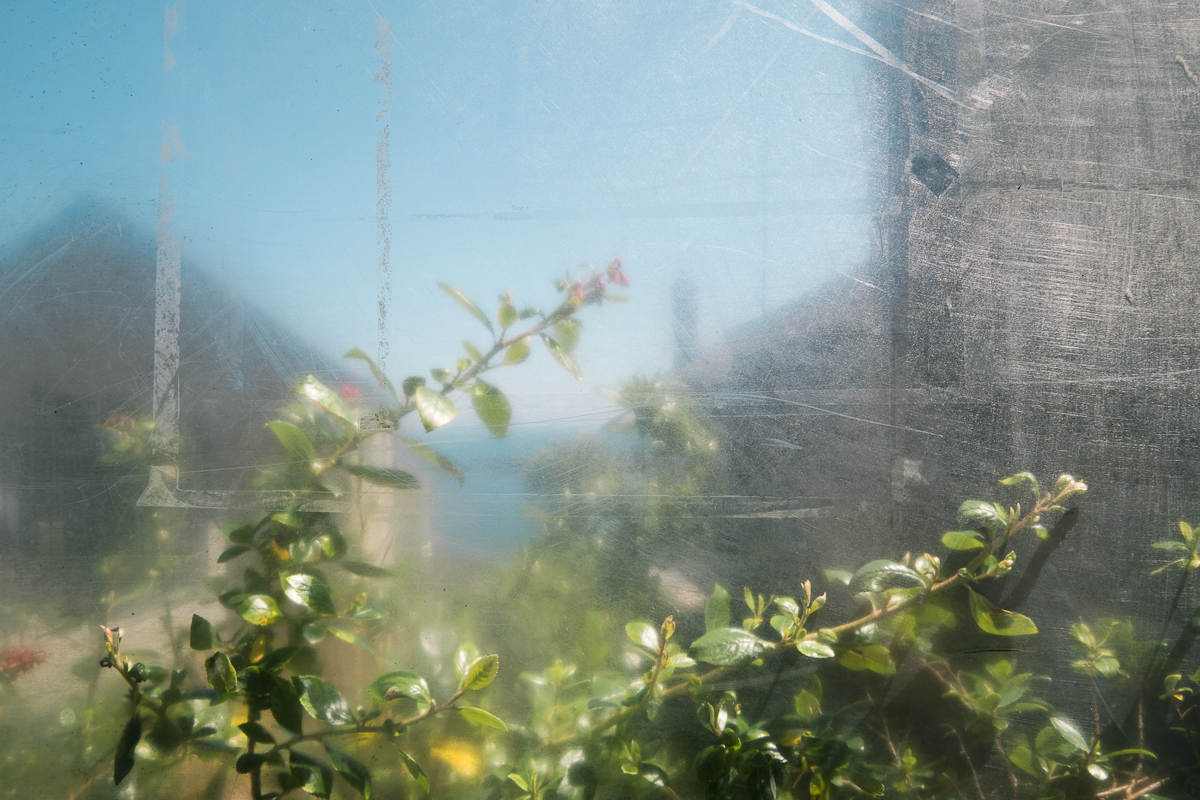
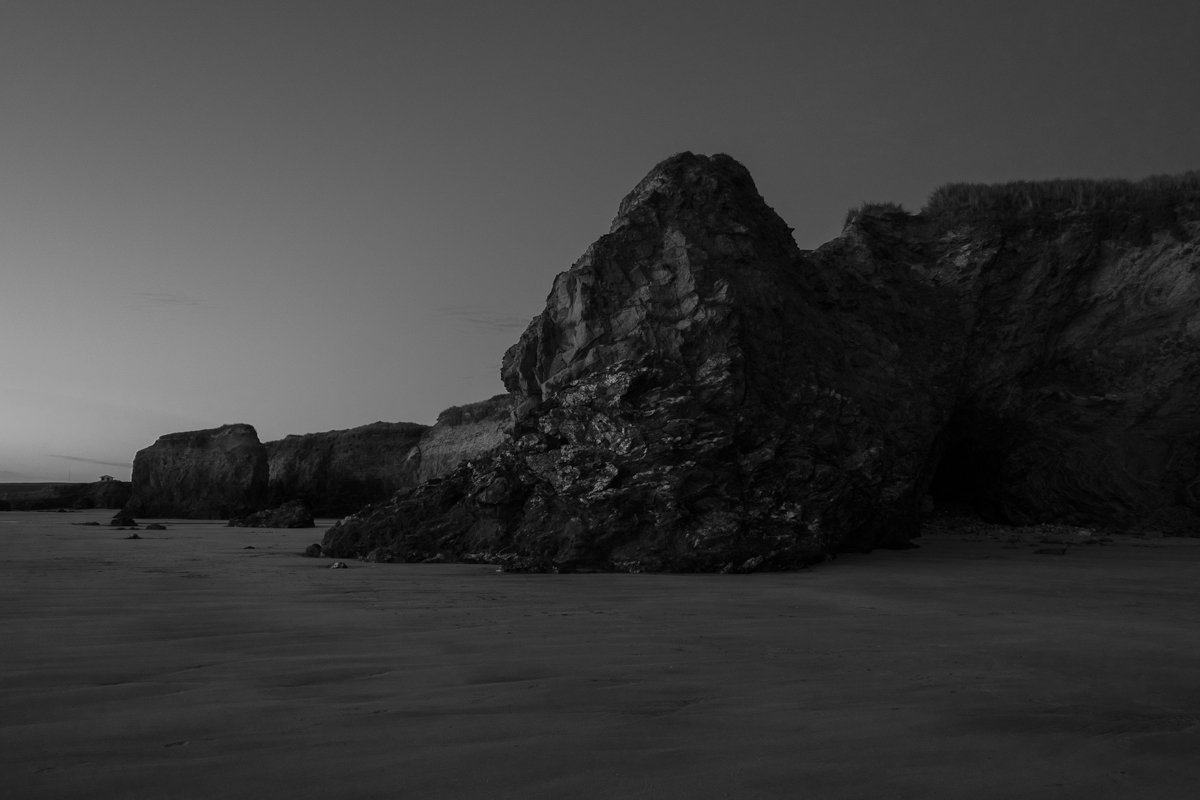
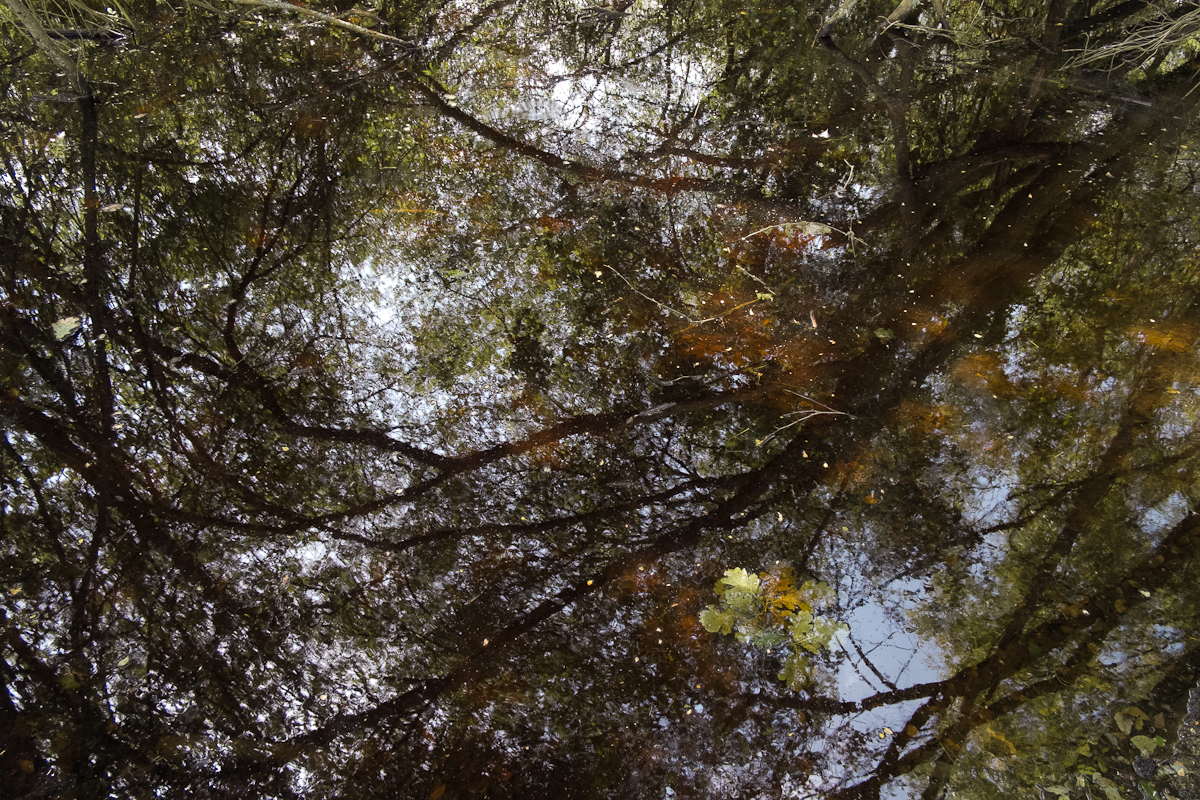
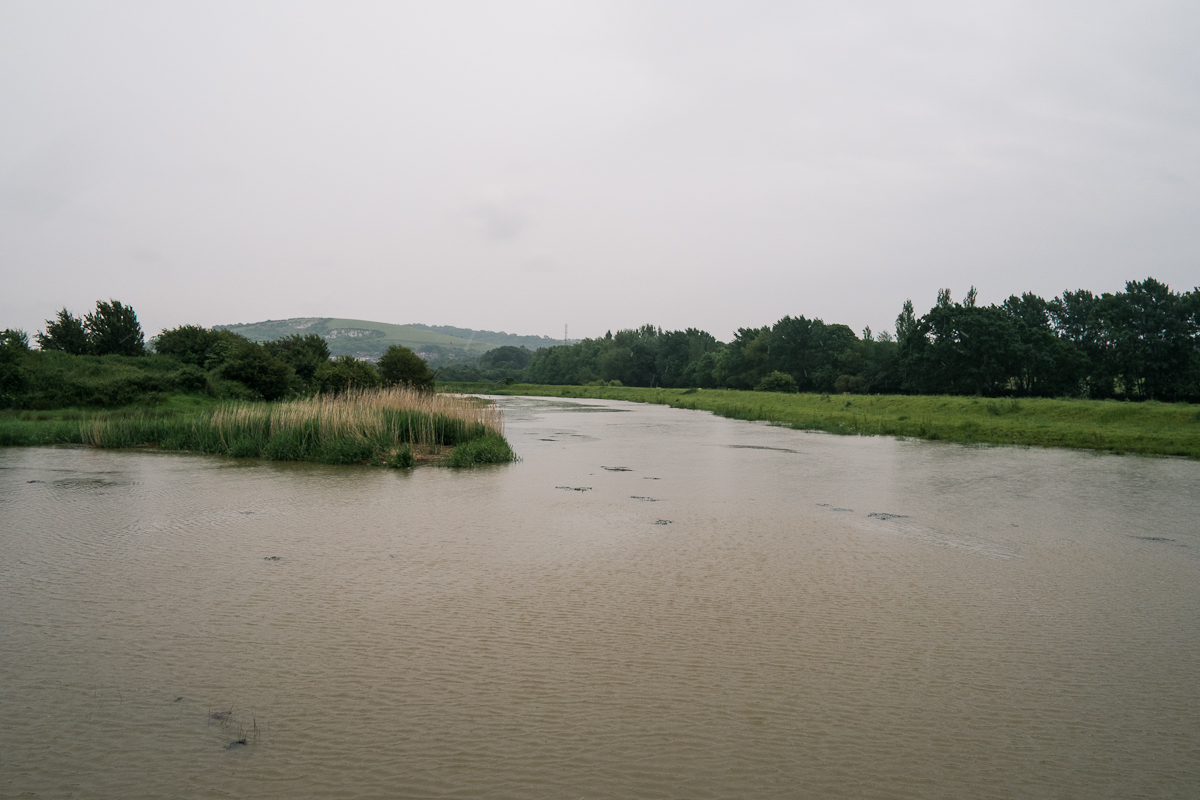


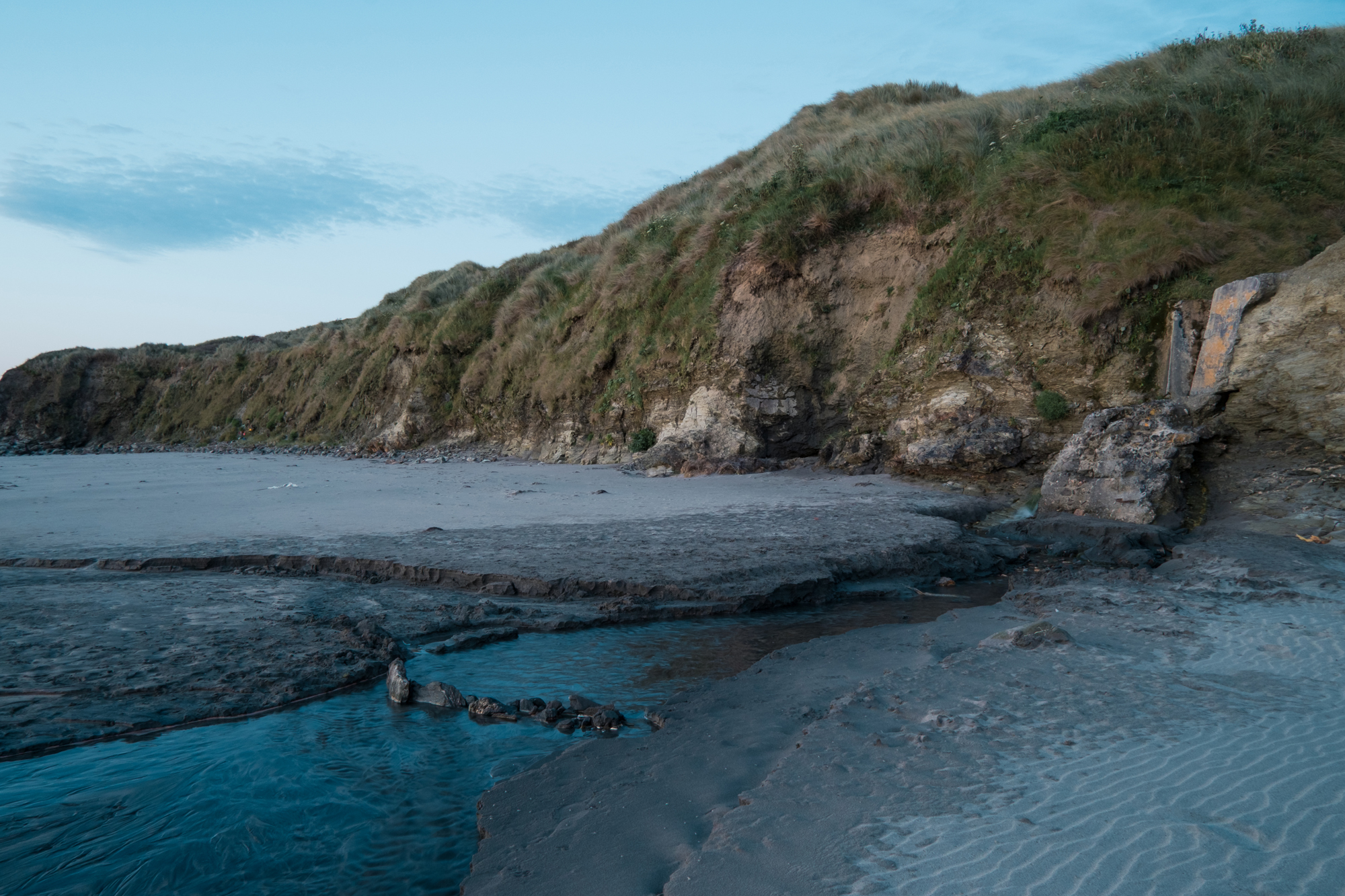
Click on the images for a larger view.
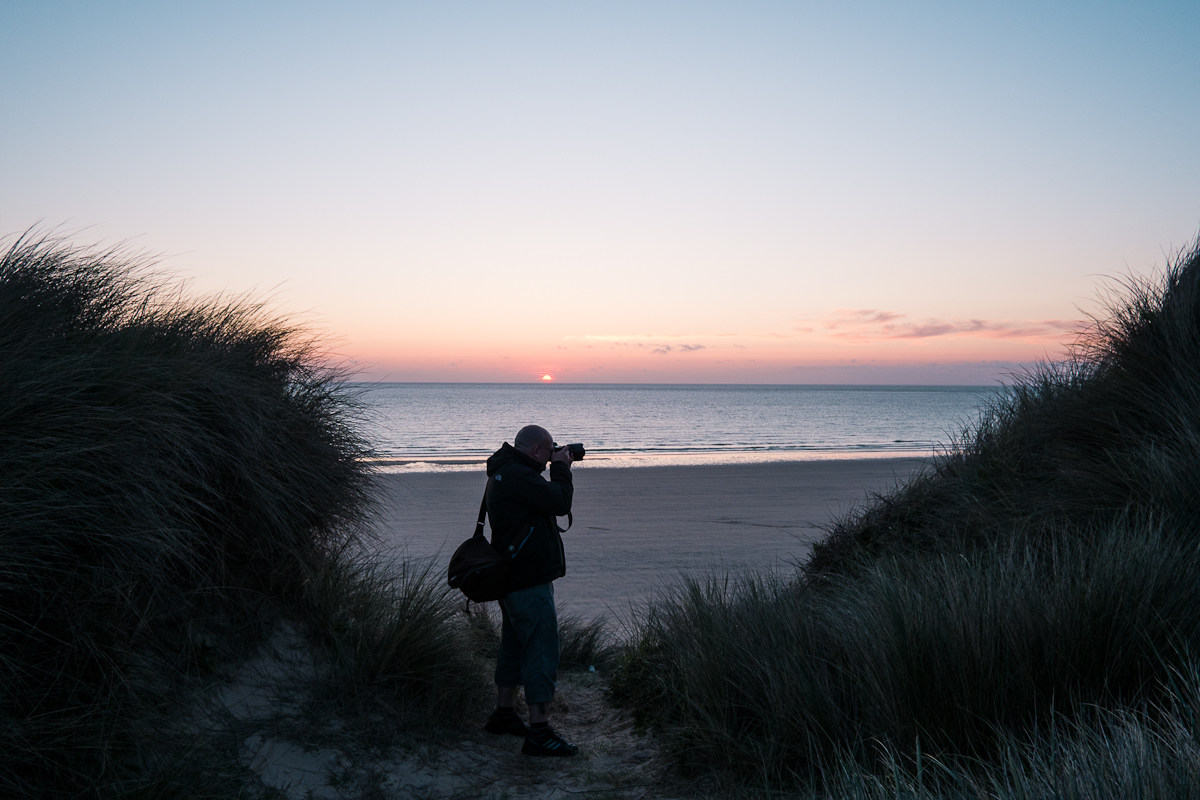
These are just a collection of random images from different projects to give you an idea of what the camera can do.
This is a straight forward review of the Fuji X-Pro1 camera, not too much digital tech talk, just my opinions. I hope you find it useful.
The Camera Design
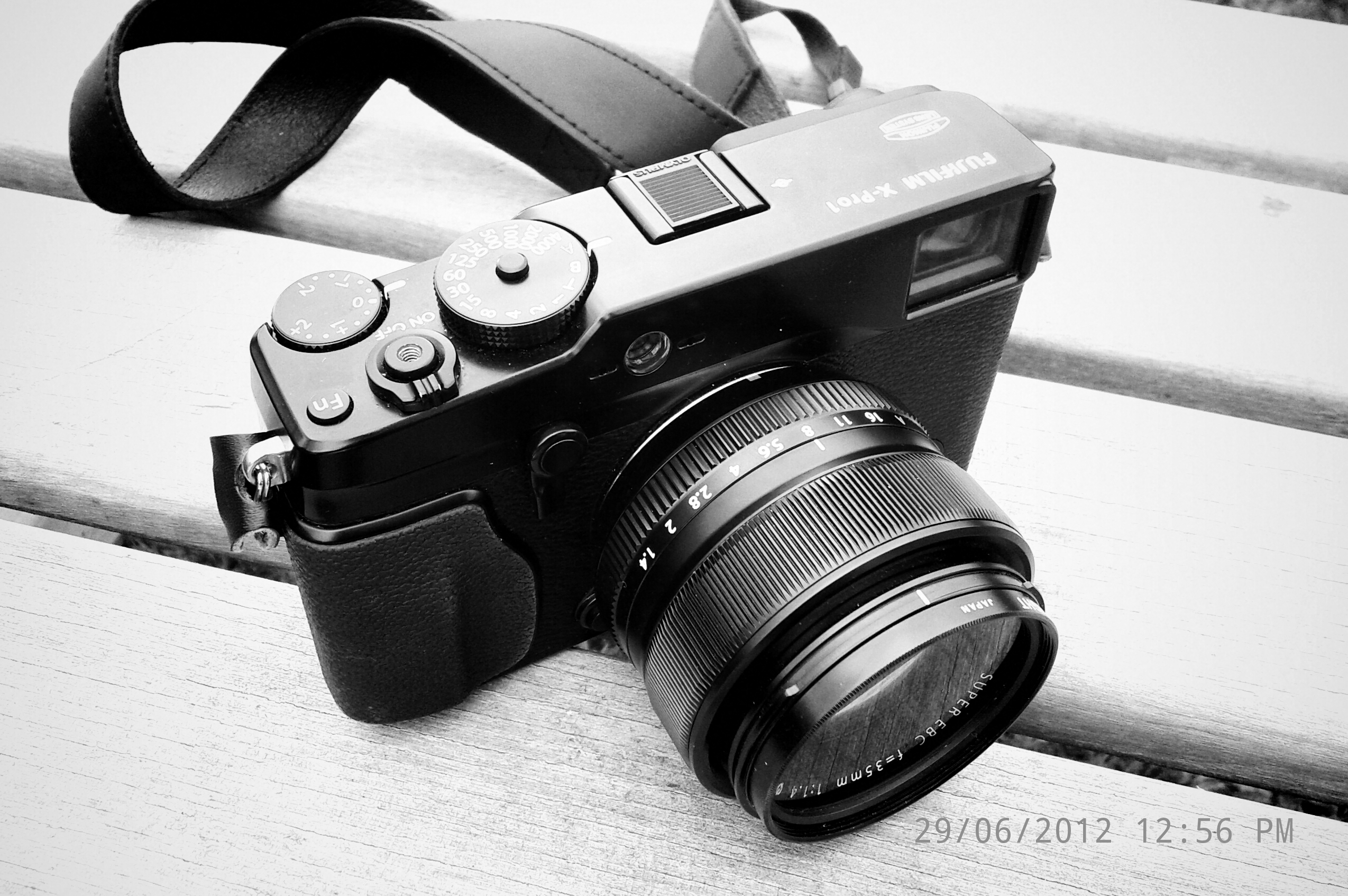
The camera looks and feels really nice. I know this shouldn’t really matter, but to me it does, well just a little a bit anyway. A phrase I have heard a lot of recently is “retro-styling”, it’s a phrase I have come to hate if I’m honest – I prefer simply ‘classic design’. Having the aperture on the lens ring and the shutter speeds on a dial on the top plate is not just classic design, it’s very easy to use. When I’m doing my photography training and teaching someone how to use a camera, I show them my camera first and point out the aperture ring (f2 – f16 and A on the 18mm lens) and then the shutter speed dial (1/4000 sec down to 30 secs and of course A). You can either set both yourself , put one on Auto and adjust the other or put them both on Auto!
The ‘classic design’  is similar to a rangefinder for sure, a lot of it’s functionality is similar too. It’s not a tiny camera though and the Fuji AF lenses are definitely bigger than that of a Leica’s for example. But the camera is very light, much lighter than an SLR and that for me is very welcome.
I have heard two different people say that it reminds them a bit of the Contax G2, which is high praise. Obviously people will compare it to a Leica, but in honesty it’s not really like a Leica, I suppose it looks like a Contax G2 with a splash of Yashica Electro.
The design is always going to be a talking point but this camera is much more than just form over function. I sold my Nikon D700 camera to switch to the Fuji X system so it was incredibly important that the quality was there as well and I can assure you, it IS there.
Image Quality
It has a 16MP APS-C X-Trans CMOS sensor. Okay, I’m going to try and cut out jargon here, firstly (16MP) means the sensor resolution is 16 mega pixels, which means you can produce very high quality prints up to around 18×12 inches at 300ppi. But in reality you can probably print much bigger and I think 30×20 inch prints will look lovely. The next part (APS-C), this means the sensor is smaller than a piece of 35mm film, typically the same size as an entry to mid level SLRs. This we sometimes refer to as a crop factor of x1.5, meaning that a 18mm lens is about the same as a 27mm lens on a 35mm camera and the 35mm lens the same as 52mm. For me the only issue is that you do get the same barrel distortion as an 18mm or 35mm lens, but this can be corrected with software to some extent. The last part (X-Trans CMOS) sensor is the technology used in this sensor and it’s bloody great! Fuji eliminated the need for an anti-aliasing filter which softens then image, something that most digital cameras have to have or else the dreaded moiré effect can happen – a sort of newton rings type patten that can appear on areas of intricate detail. This can still occur with images from the X-Pro1 but so far I have had no problems with this. Adobe Lightroom 4 even has a moiré tool now to help if it does occur. Because it doesn’t have an anti-aliasing filter it can produce very sharp and detailed images and it doesn’t disappoint at all, I think I see far more detail and sharpness in my X-Pro1 images than I did with my Nikon D700.
The other things people want to know about are low light capability (ISO) and dynamic range. ISO won’t interest film shooters too much, it’s every bit as good as film and probably better. You can shoot up to ISO 3200 with hardly any grain. Dynamic range, meaning how much detail it can capture in the highlights and the shadow areas. It’s good, really good – if you read the tests online I think it doesn’t quite match up to the higher spec SLRs but you won’t really notice that too much in real life.
The Raw files are nice, the colours are really great from the start. I use Lightroom 4 to process my images and have a preset for developing my colours with a sort of Kodak Portra feel to them, which is warmer than the raw standard. The raw standard is more like a Fuji Pro film, unsurprisingly.
Software
If you’re new to digital photography or photography generally, you might not realise quite how important software is. To achieve the bests results from a digital camera you need to shoot in Raw format and use software to process your images. There are many sites dedicated to Raw workflow and the importance of the Raw image, but for now just take my word for it, you need to shoot in Raw format. So which software to choose? This is tricky, the camera will come with SilkyPix, Fuji’s own Raw processing software which does a pretty good job but it’s not very easy to work with, especially for processing multiple files. Adobe Lightroom 4.1 now has support for the X-Pro1 which is brilliant news, you would think! Unfortunately they haven’t quite got it right yet, due to the fact that the X-Pro1 has a new type of image sensor and some of the images processed with Lightroom display a strange ‘painterly’ effect, which I think is down to chroma blurring. I fully expect Adobe to sort this problem out with an update and some point, but just to let you know there is no perfect solution at the moment. Of course you could process your Raw file in SilkyPix and output a 16bit TIFF file in to Lightroom and this would solve the issue, certainly to an extent.
Lenses
I have two, the 18mm f/2 (27mm in 35mm/film terms) and the 35mm f/1.4 (52mm in 35mm/film terms).
Both lenses are excellent in my opinion, the 35mm (52mm) lens performs really well throughout the entire range of apertures and the out of focus areas when used wide open are really nice. The 18mm (27mm) is also great and I am using it mainly for a landscape project and getting good results. I’m mainly stopping down to f/8-f/16, but f/2 is really usable when appropriate.
There is also a 60mm macro lens, which I don’t have. I don’t do very much macro work, but I am thinking of getting an older (cheaper) manual focus macro lens to use with an adapter.
Of course Fuji have plans for lots of new lenses. later this year will come the wide angle 14mm f/2.8 (21mm) which should be really nice. Also a 18-55mm zoom lens with image stabilisation.
Then next year will see a 27mm (41mm) f/2.8 pancake lens, which really interests me. The 23mm (35mm) f/1.4 lens is probably the one I am most looking forward to as it’s proved to be my favourite focal length and with an aperture of f/1.4 it’s going to be hot!
The 56mm (84mm) f/1.4 will be a must for me personally as it will be great for weddings and portraits, yes I am shooting weddings with this camera!
There are also two more zooms, a 55-200mm and a wide 10-24mm.
Check out this road map for more info.
http://www.photography-news.com/2012/06/new-fujinon-xf-lenses-for-fujifilm-x.html
Pros
• Image quality
• Size (small ish)
• Weight (light!)
• Good AF lenses and the possibility of using MF lenses with adapter
• Fuji have made the exposure compensation dial tighter than on the X100, apparently it would get knocked and changed easily, the X-Pro1 doesn’t
• You can get adapters to use all manor of manual lenses. I’m looking forward to using my Super Takumar 50mm f/1.4 for portraits (75mm in 35mm/film terms)
• The look. Yeah I know it shouldn’t be important and image quality and usability will always come above this, but it does look nice and I like that
Cons
• Lack of perfect software option (at the moment)
• Some minor gripes, some of which can hopefully be rectified with firmware updates (see below)
• Price (expensive, but you do get a lot for your money)
• The on/off switch can get switched on whilst in your bag
• Slightly slow AF sometimes
Minor Gripes
1) When you have a tripod baseplate attached you can’t access the battery or memory card.
I’m looking to get one of the Gariz half leather cases and this actually addresses this issue by attaching the case to the camera via the tripod mount and adding a new tripod mount in a better place (centre) and leaving a hole to access the battery and memory card. I hear also that it may be possible to get custom baseplates that are off centre for certain cameras.
2) When using the dedicated flash, the flash turns itself off when you turn the camera off or when it goes to sleep. It should wake up when the camera is switched back on or is woken up, IMO. I’m hoping this can be fixed with a firmware update.
3) I have sometimes experienced really bad over-exposure when turning on the camera and shooting quickly. You have to wait about a second before shooting. Not a really big deal but it can be a little annoying, I would hope this could be fixed with a firmware update.
4) I will be amongst many others when I say I would really like to see focus peaking when using manual focus. Not sure whether this will ever be added, but it would be a very welcome addition.
EDIT: For those that aren’t familiar, ‘focus peaking’ highlights the focus points across the whole image by outlining them in a colour. Not to be confused with a zoomed-in-view to see detail to focus on, which the X-Pro1 already has and works fine, it’s just a bit of a slow process.
5) AF is a little slow on the 35mm f/1.4 lens, slower than the 18mm. It’s not a big deal for me.
Conclusion
This is a great camera that takes beautiful images that have a sharp film-like look. The camera is small (ish) and very light. The Fuji lenses are lovely, but I suppose you’d expect nothing less with their experience in that field. Of course the wealth of many many manual focus lenses with the various adapters is a definite bonus. The camera is a little quirky to get used to, especially if you’ve come from a DSLR, but when you do you’ll love it. A friend of mine referred to his X100 as being ‘addictive’ to use and I kind of understand where he is coming from with the X-Pro1.
Future
We just need a couple more firmware updates from Fuji to fix a few a little gripes and Adobe to fix the raw processing issue in Lightroom 4.
Add in the new lenses coming later this year and next and you have a really good system here.